PTO
- CATEGORY People
- FOR HR teams · Managers · Everyone
- USES YOUR COMPANY CORE People
- WORKS WITH 1 apps
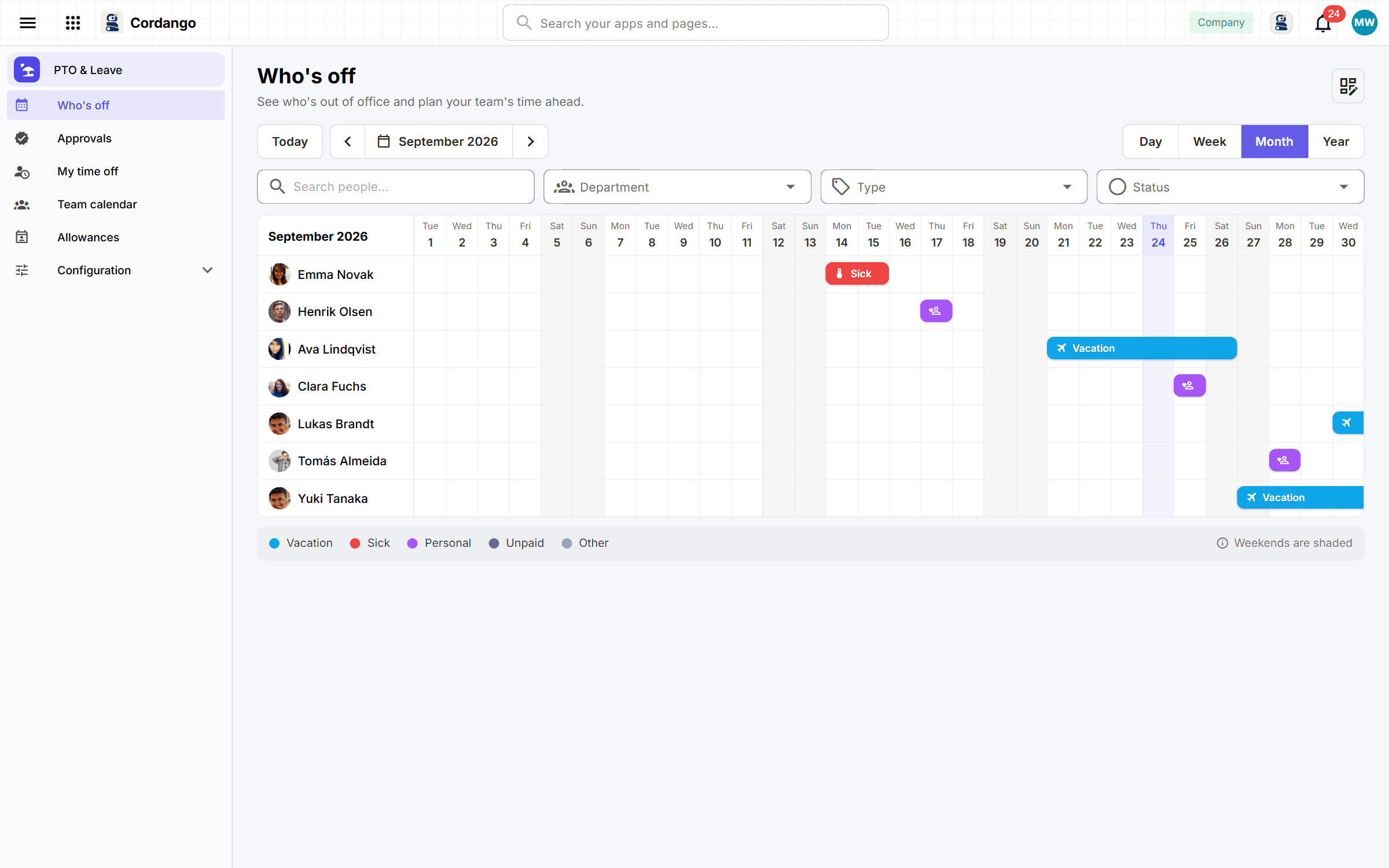
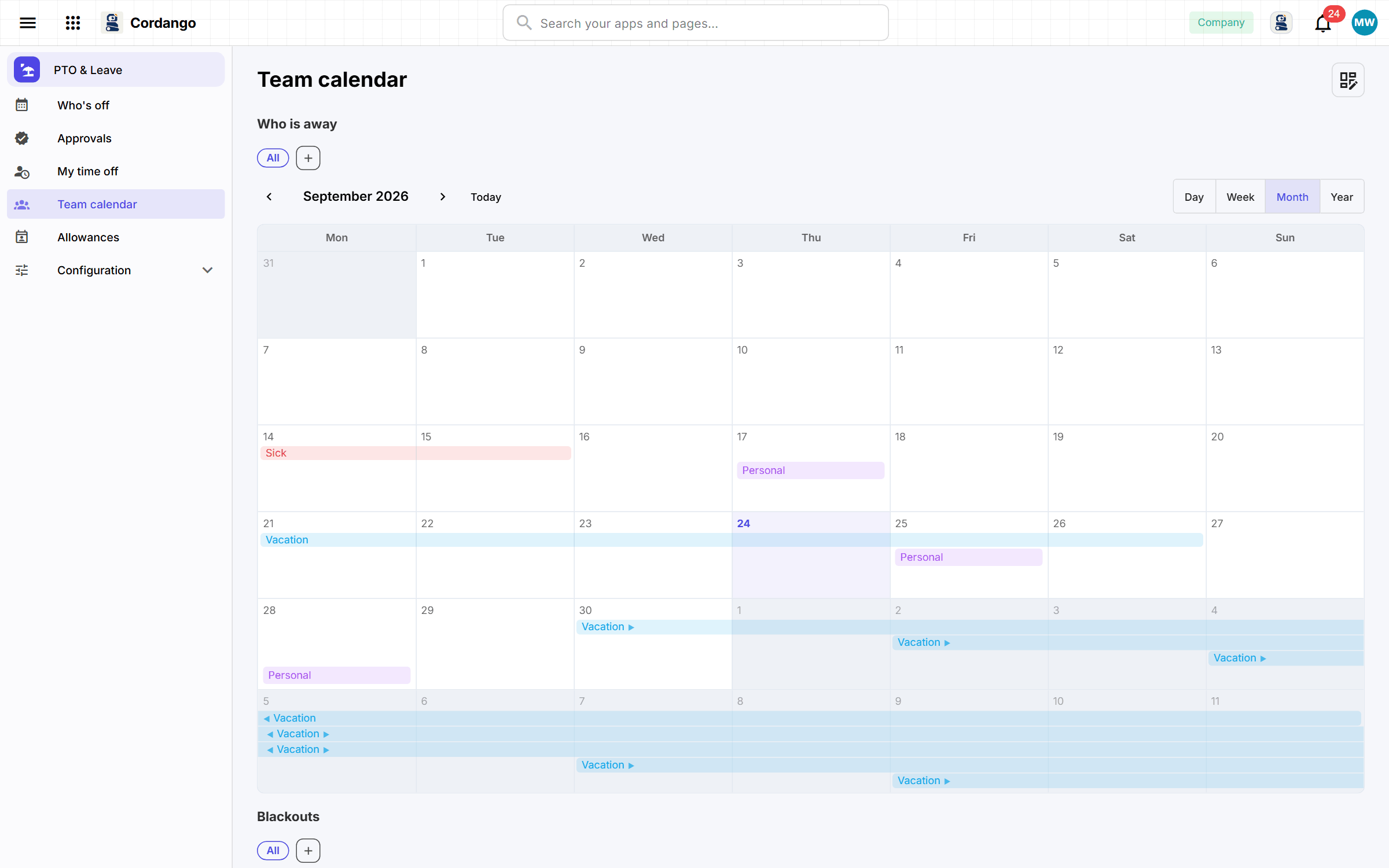
Asking for time off takes four fields, and the request goes straight to the approver named by the reporting line, who is told it has arrived. Balances count down from what has actually been approved, unused days carry into next year up to the cap you set, and people hear when their holiday is nearly gone. Blackout periods and public holidays are visible while the decision is made. Approved leave goes into the shared calendar, where the team can see who’s away without anybody sending an email.
Use it to
Useful for
Every app here installs on its own and works on its own. Adding a companion is what makes both do more.
Every workspace already has these. Nothing to install, nothing to connect.
the personnel file is there; this app only holds what leave needs on top
Optional. Install one later and both do more.
approved leave takes somebody out of the plan by itself
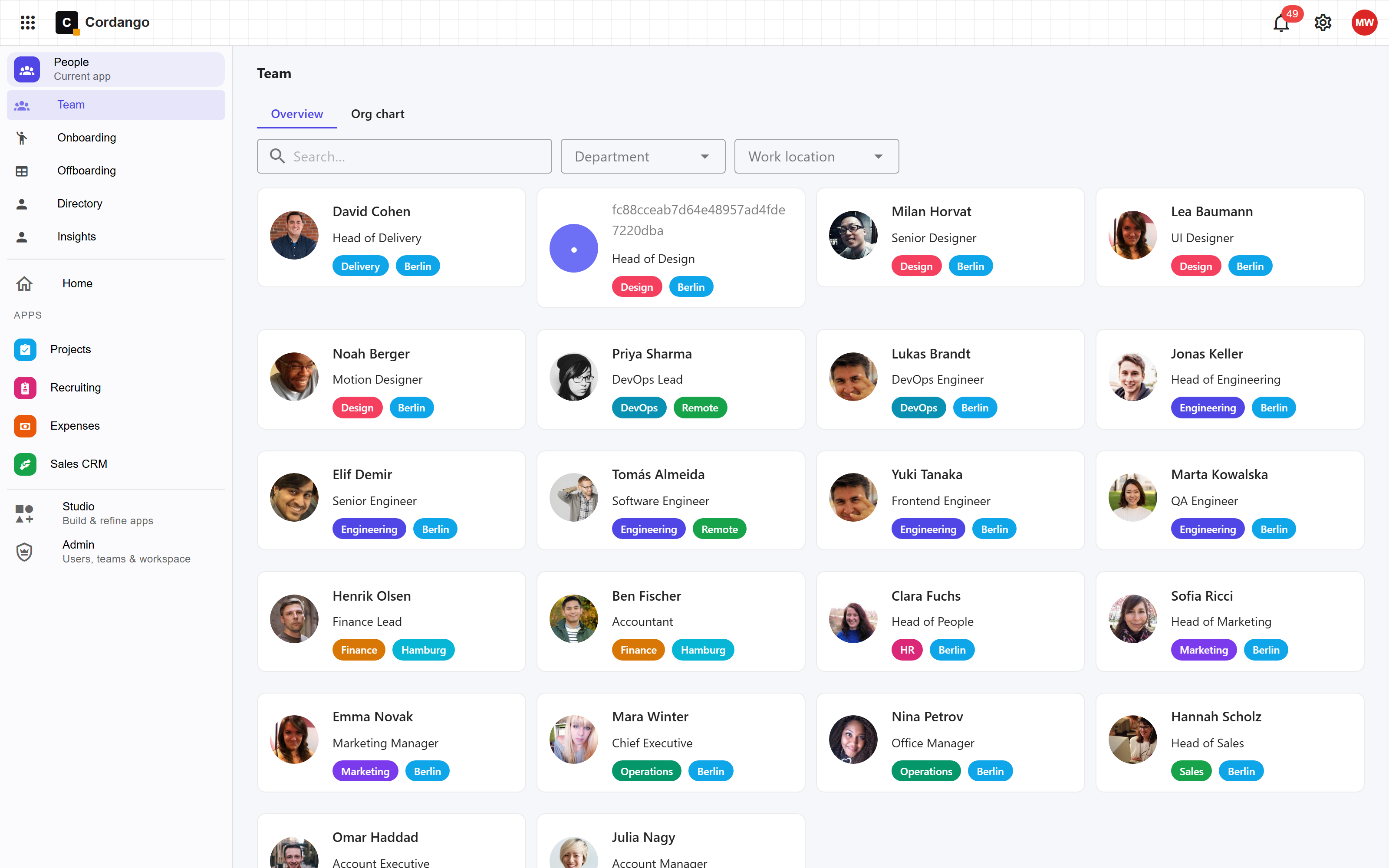
The HR person at a fifty-person company gets one record per employee instead of a spreadsheet and a drive folder, and every pay or job change stays as history.
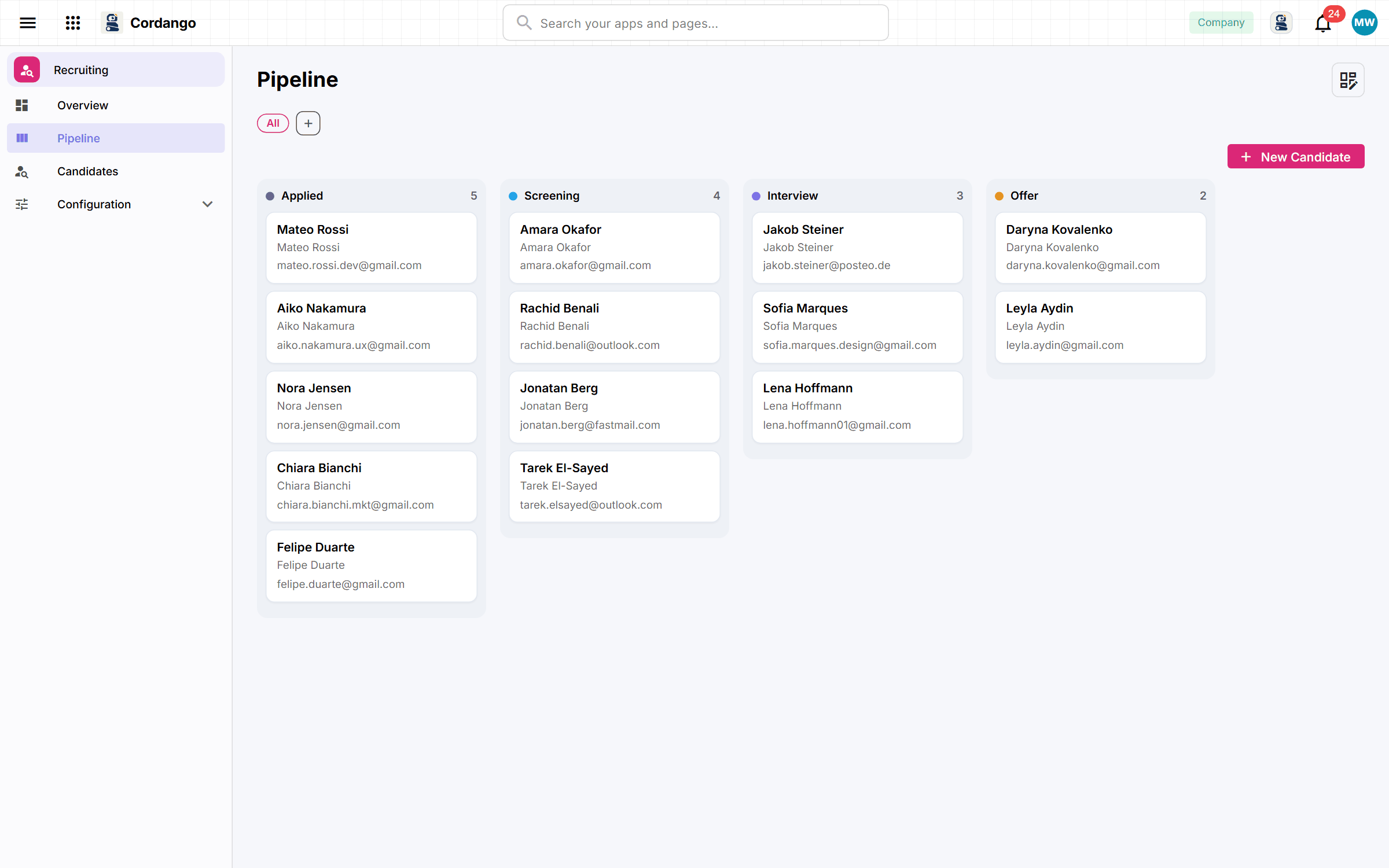
Hiring managers with three open roles and CVs in four inboxes get one pipeline, with every interviewer’s rating on the candidate’s page.
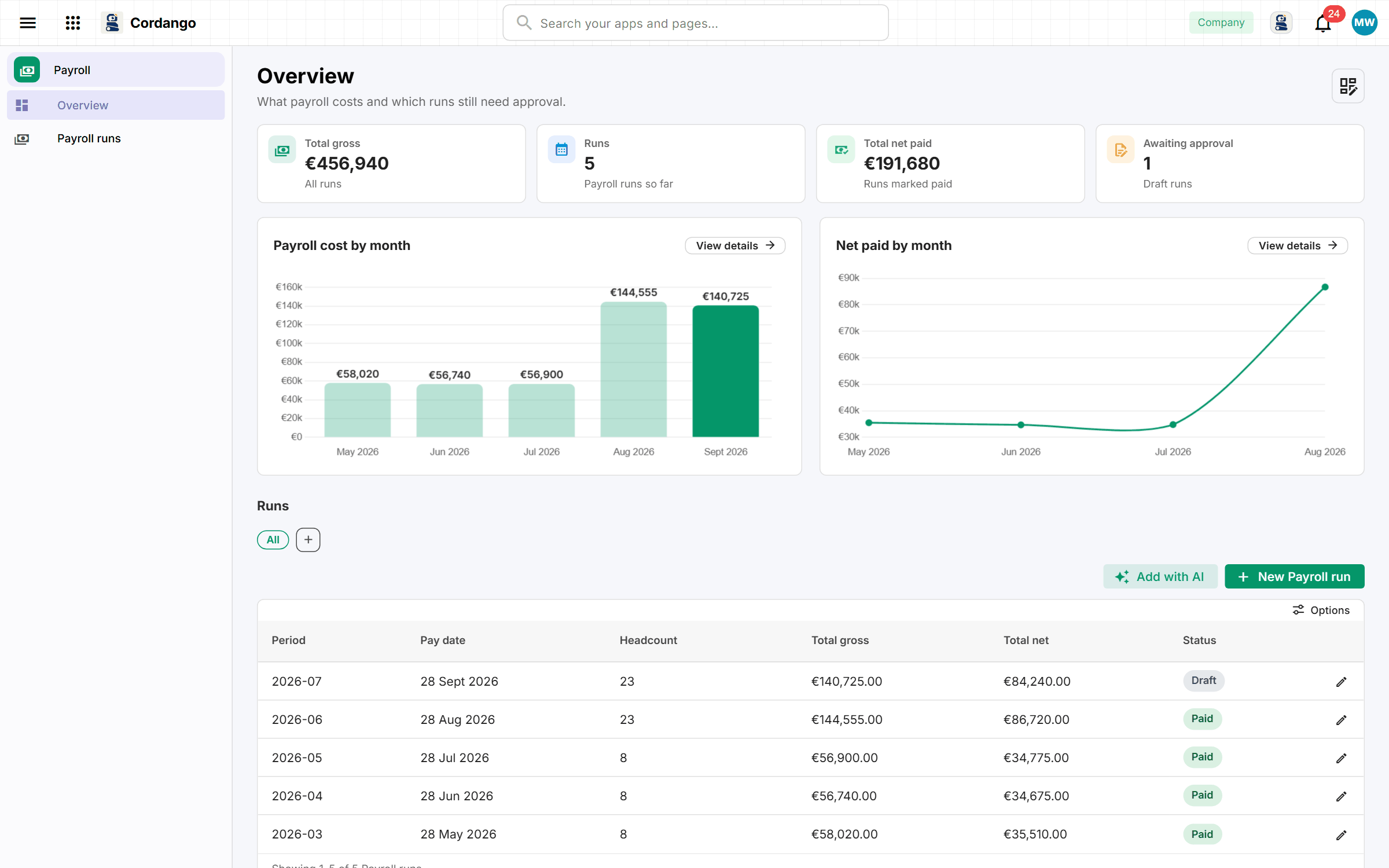
You prepare payroll for forty people from a spreadsheet and a folder of PDFs. Each month becomes one run with a payslip per person, approved before it’s paid.
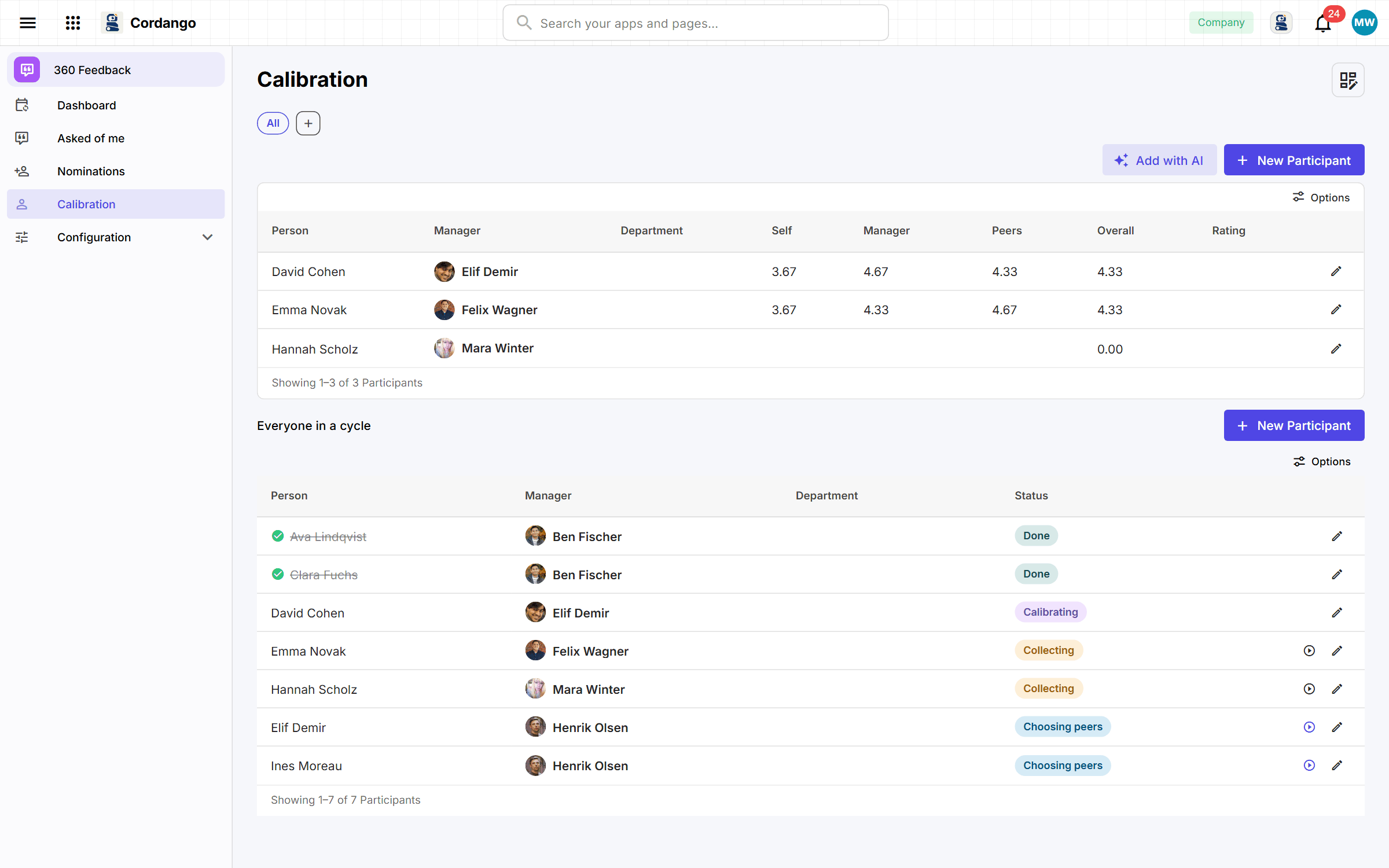
Running a review round in HR means weeks of chasing late answers. Let the app do the chasing, while the person reviewed sees averages and never who said what.
Every app here installs on its own and works on its own. Adding a companion is what makes both do more.