RP
- CATEGORY Operations
- FOR Operations teams · Managers · Project teams
- USES YOUR COMPANY CORE People
- WORKS WITH 2 apps
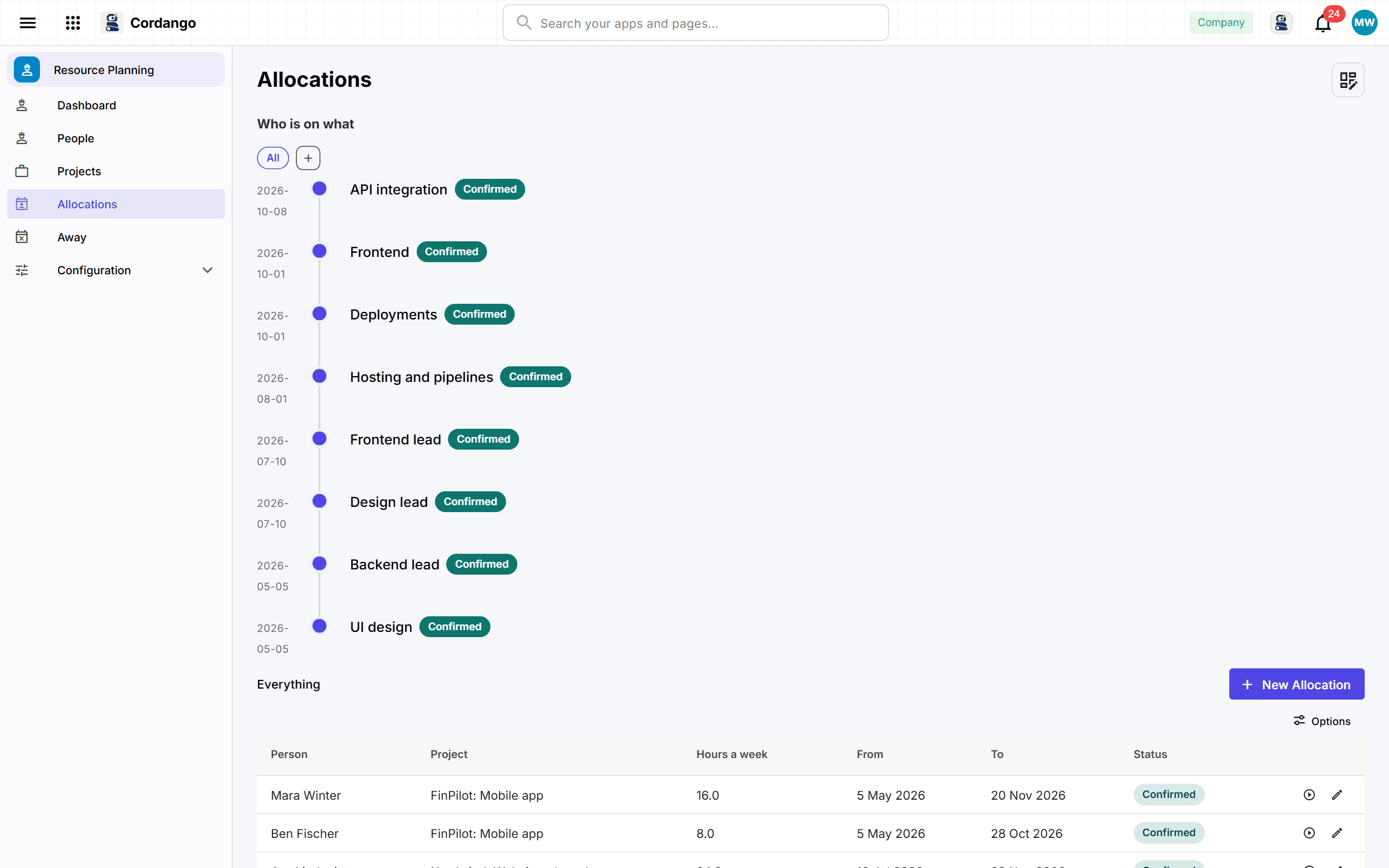
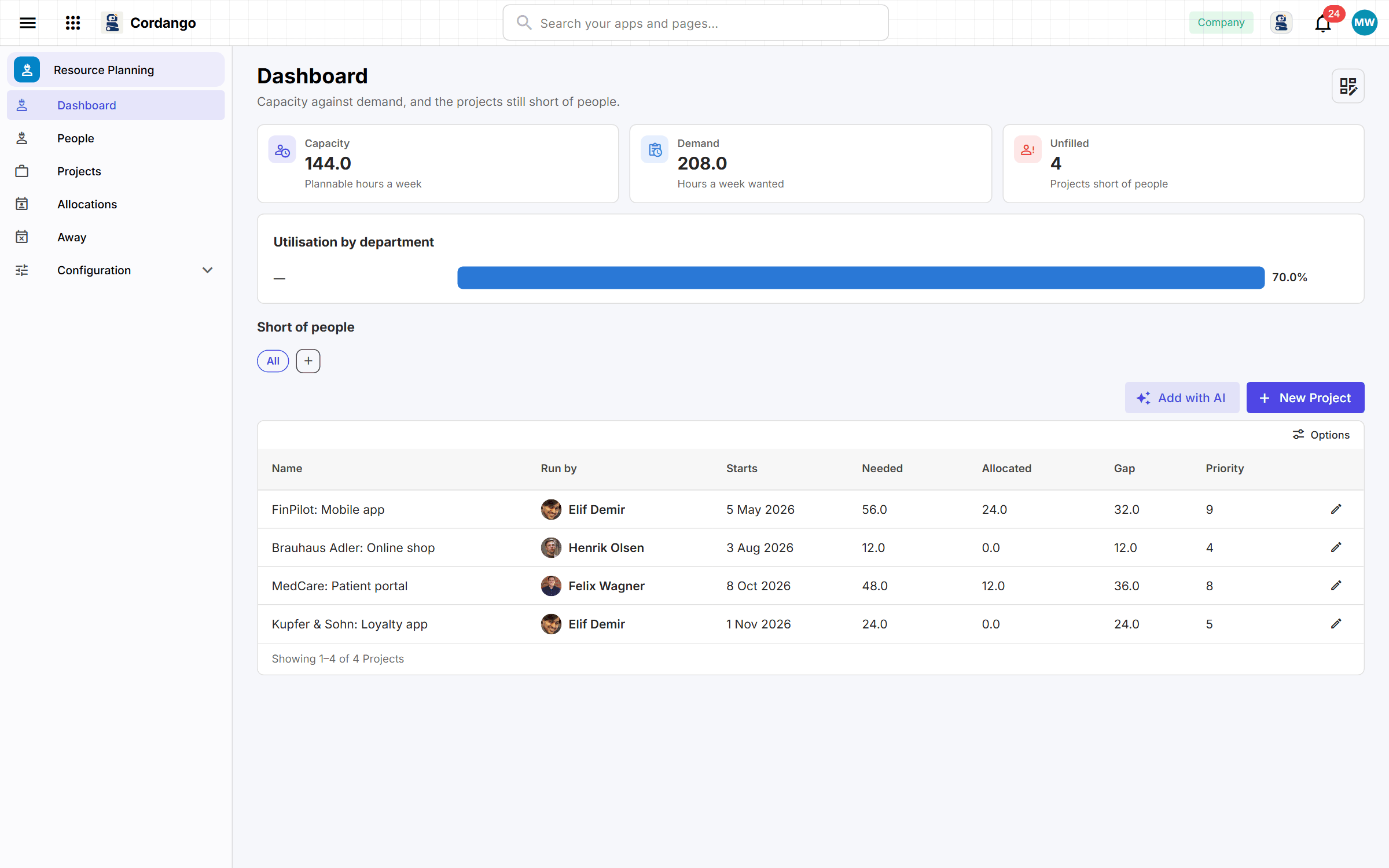
Plannable hours and skills sit on each person, so finding somebody who knows the client’s system stops being a question asked in chat. An allocation is proposed by one person and confirmed by another, and utilisation and free hours come from the plan itself. Planning somebody past their capacity gets flagged, and every Monday project managers see which projects start soon with nobody on them. Projects planned in Project Intake & Portfolio arrive here ready to staff.
Use it to
Useful for
Every app here installs on its own and works on its own. Adding a companion is what makes both do more.
Every workspace already has these. Nothing to install, nothing to connect.
the personnel file is there; this app holds only what planning needs on top
Optional. Install one later and both do more.
a planned project becomes something to staff, and a staffed one can start
approved leave takes somebody out of the plan by itself
Work this app does on its own when something happens somewhere else.
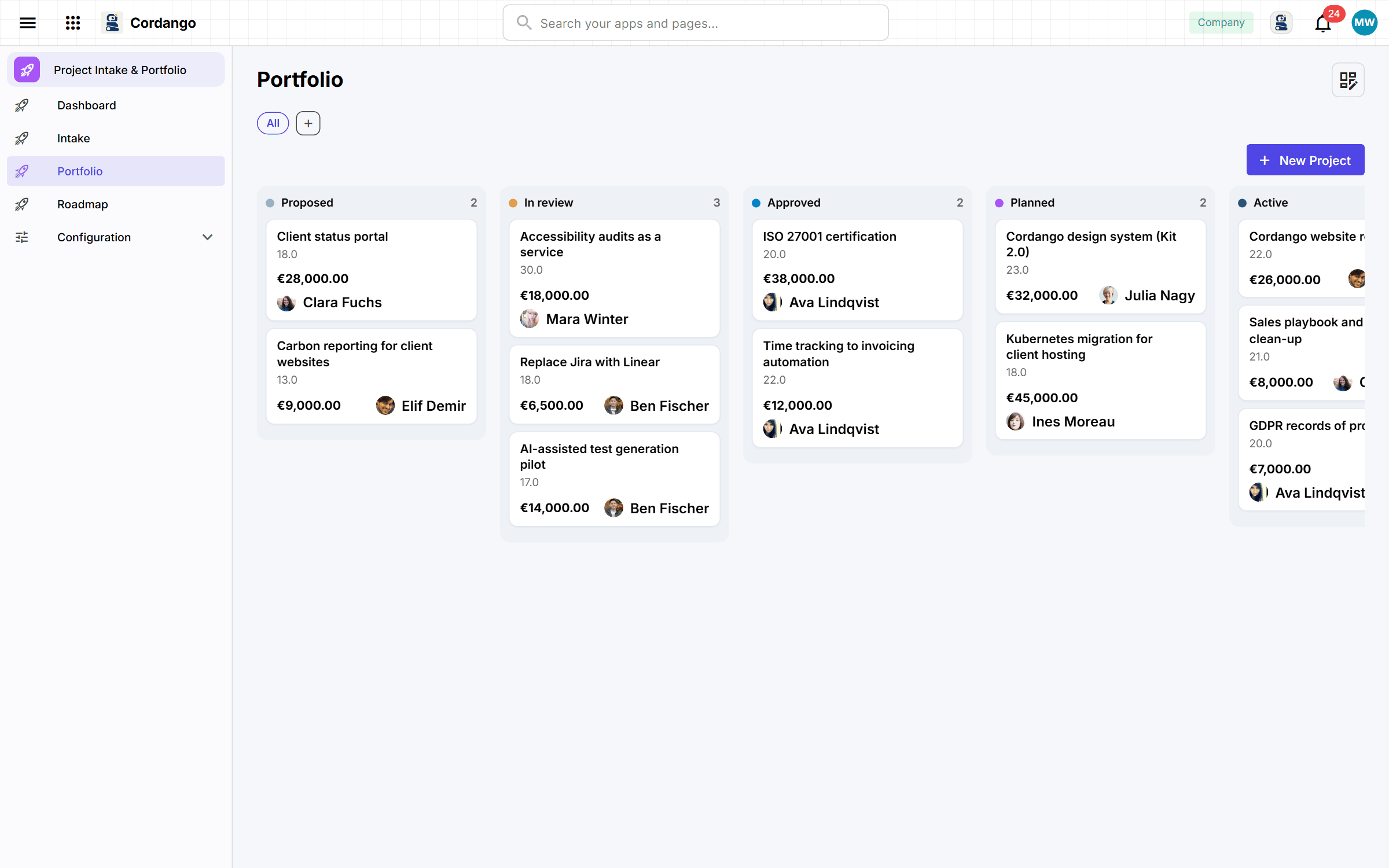
Operations leads with more project proposals than people to run them: score each one against its cost before the meeting, so the committee argues over numbers.
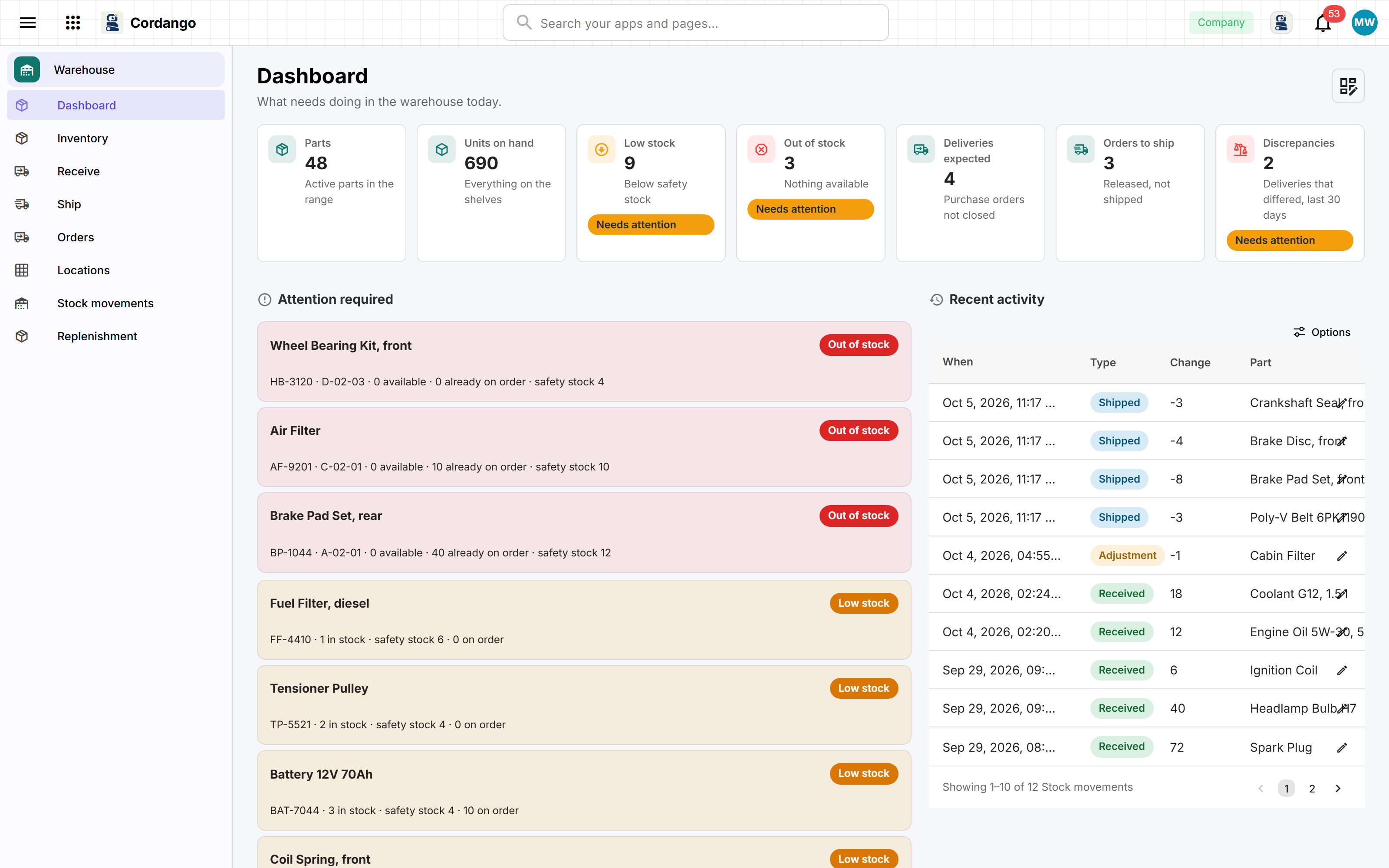
The stock list has outgrown its spreadsheet. Scan what arrives against what was ordered, see what is running low before it runs out, and pick customer orders bin by bin.
Every app here installs on its own and works on its own. Adding a companion is what makes both do more.