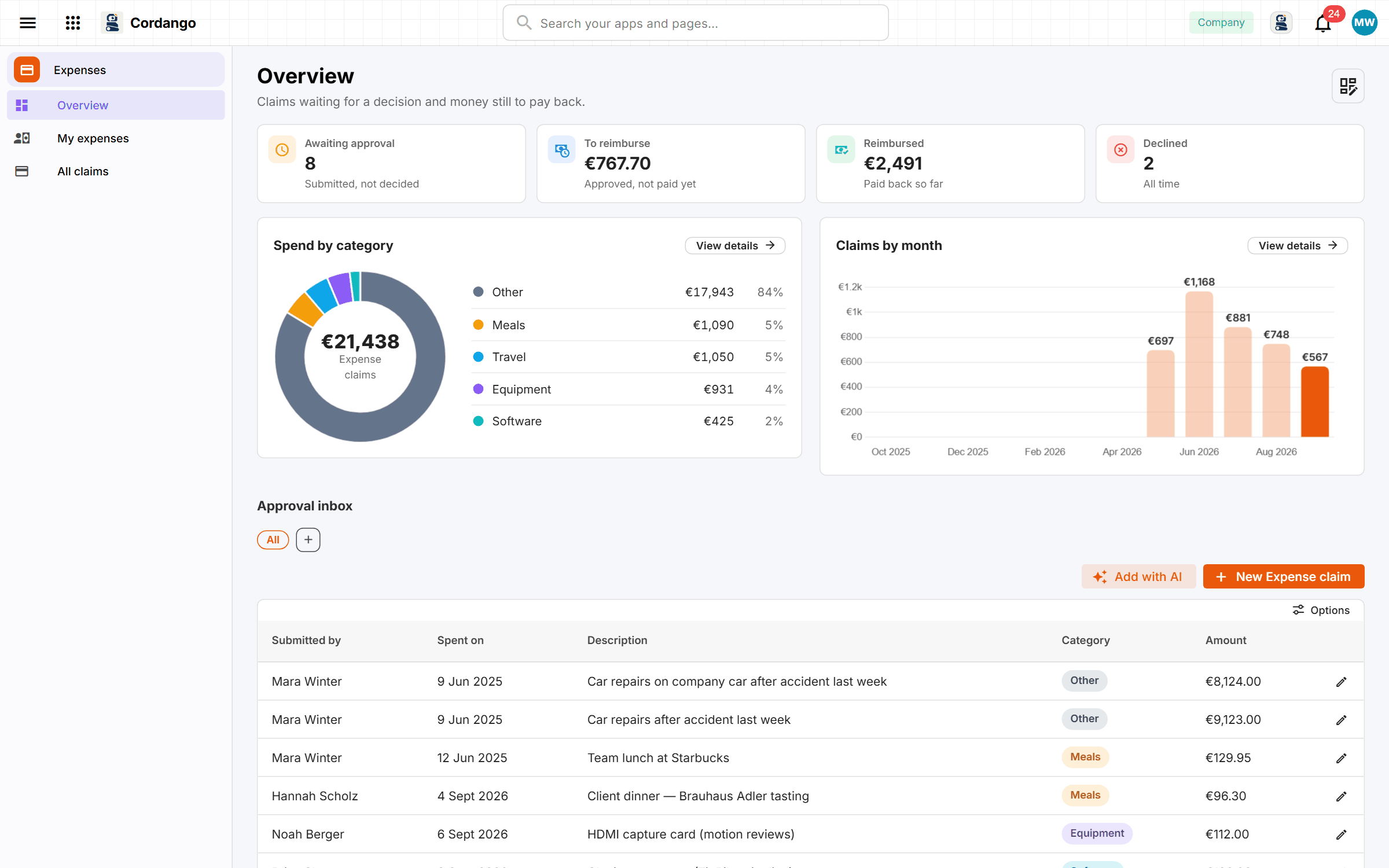
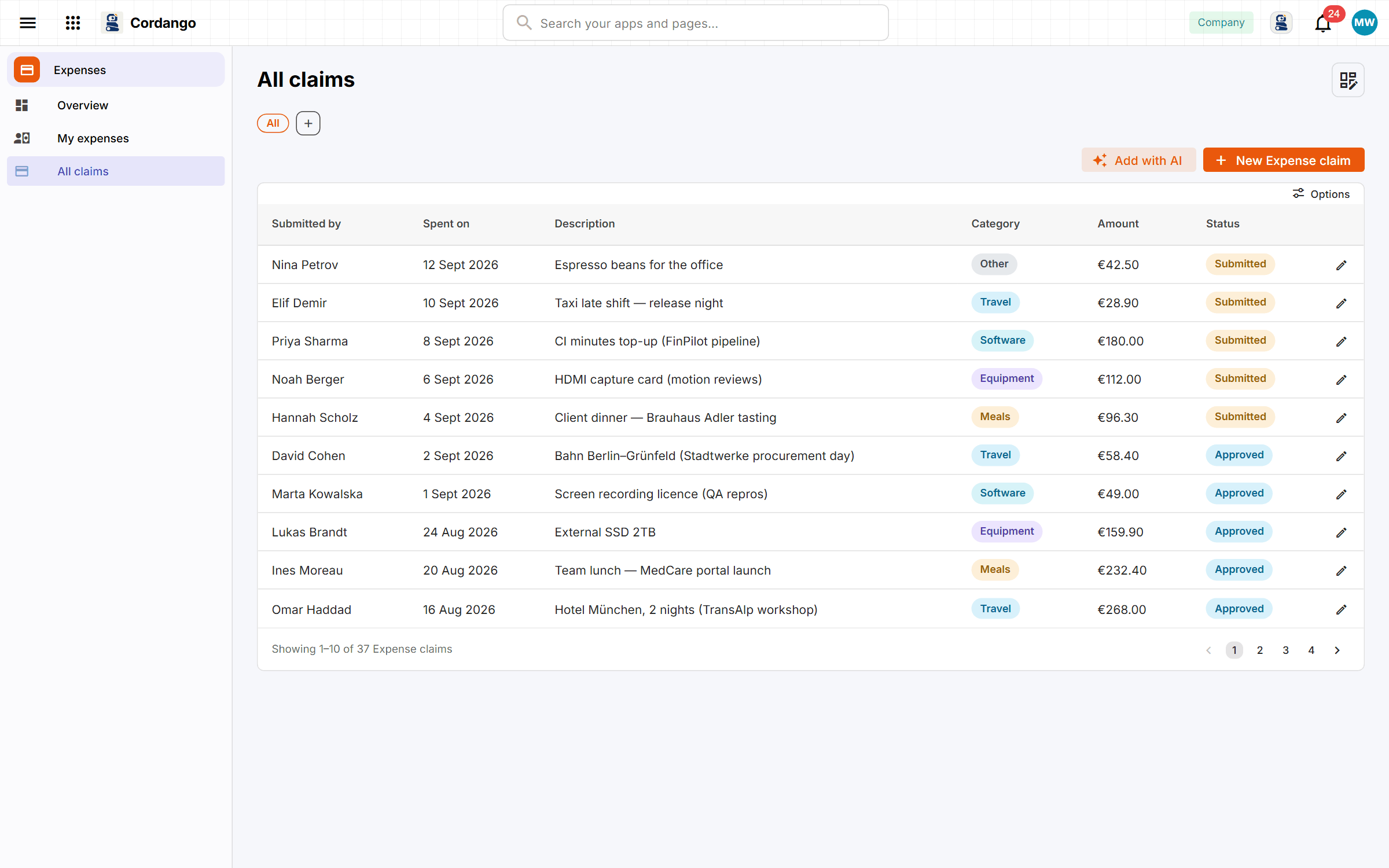
Expense claims tend to live in an inbox, which is why nobody can say which ones were paid. A claim carries the amount, the date, a category and the receipt, and goes to an approver who sees everything waiting on them in one list. A declined claim always comes with a reason. Marking a claim reimbursed is its own step with a date on it. Everybody can see what they’re still owed, and finance can see when the money went out.
Use it to
Useful for
This app stands on its own. It uses your shared company data and needs nothing else installed.
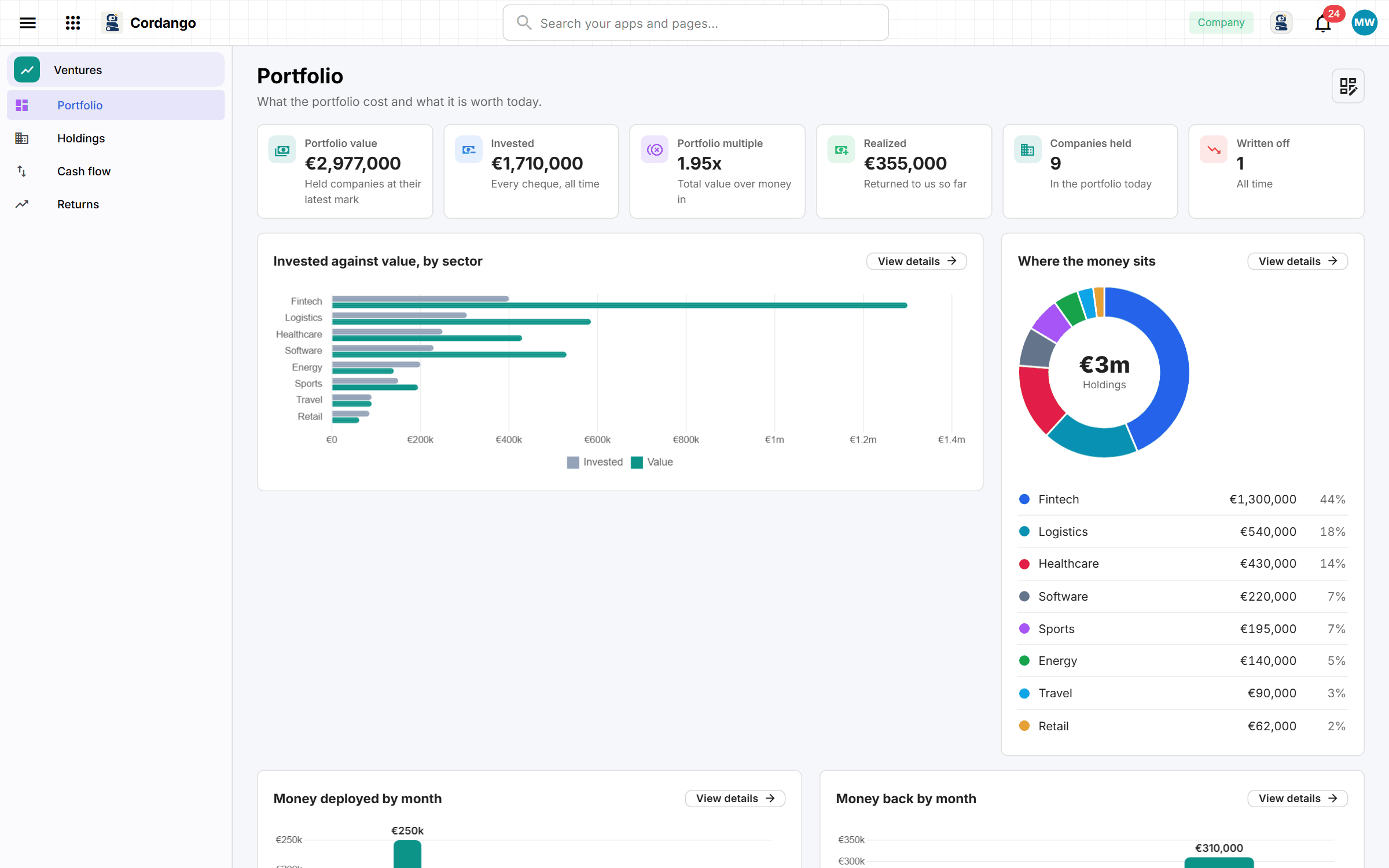
A dozen angel cheques and a spreadsheet that’s a year out of date. Log each cheque, valuation and payout here, and the multiple and return work themselves out.
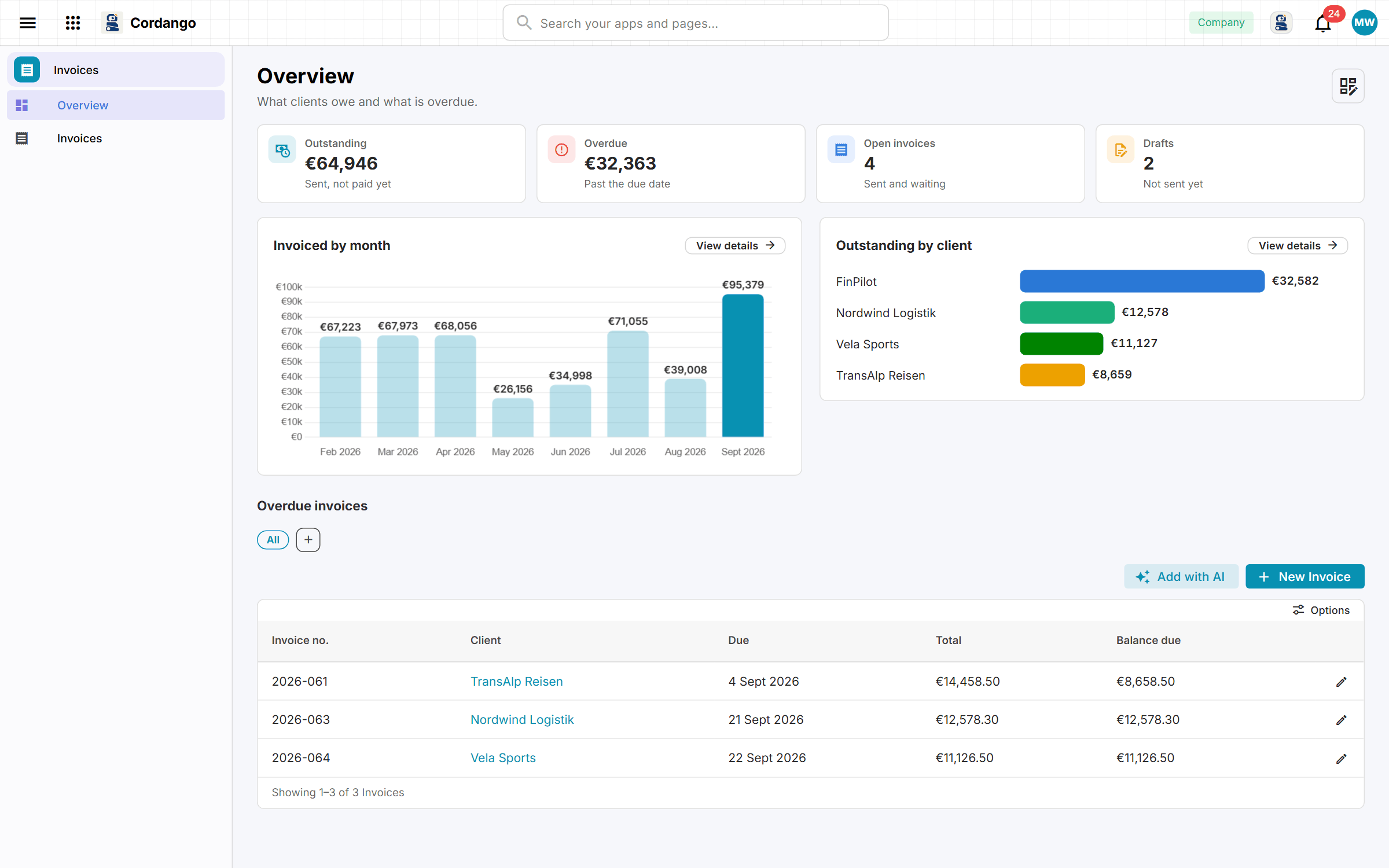
Invoicing for a small agency or consultancy, done by whoever gets stuck with it at month end. Totals add up from the line items, and late ones show how late.
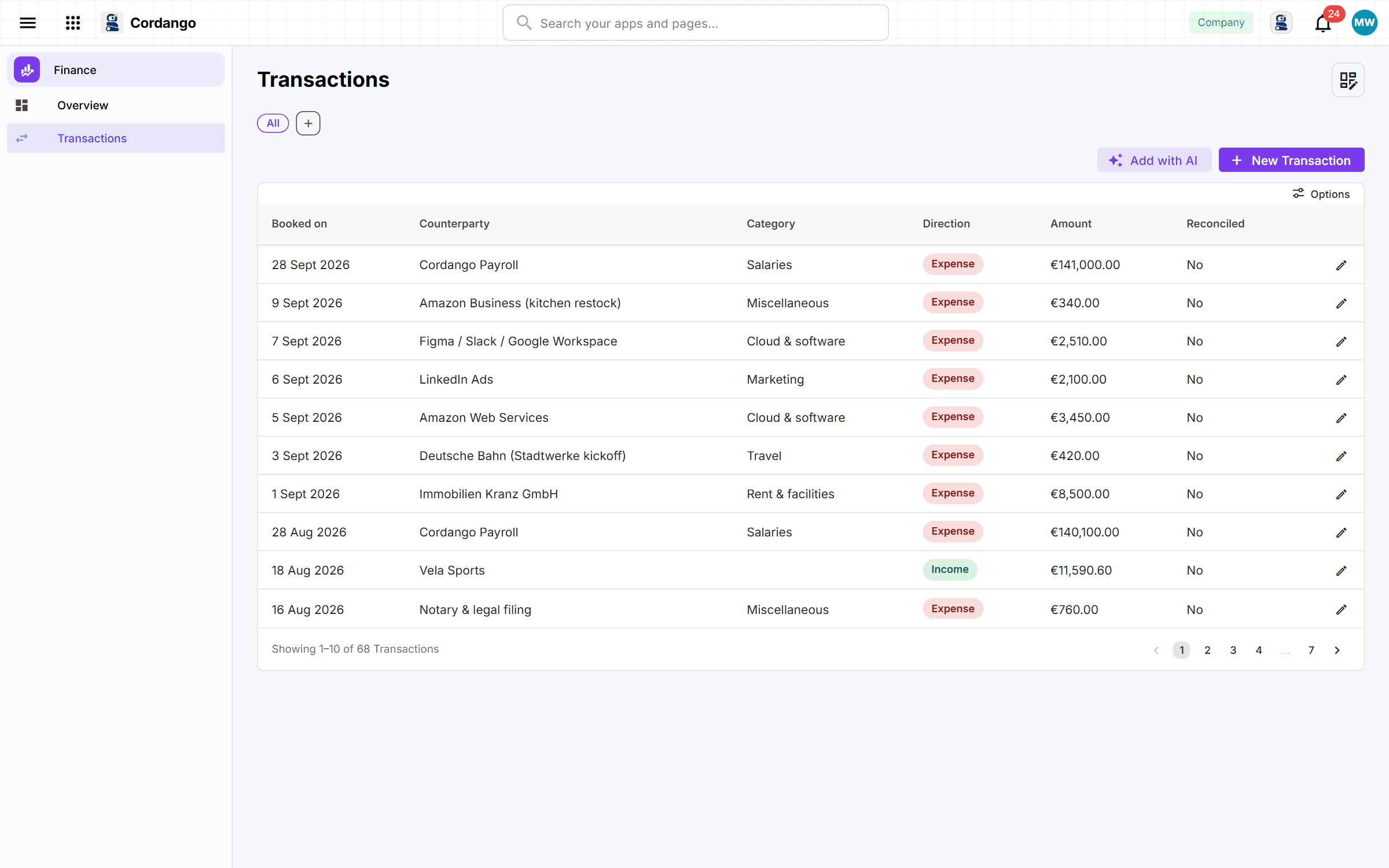
In a small company, somebody sorts the month’s money into categories before the accountant sees it. This is their ledger, and it shows where the money went.
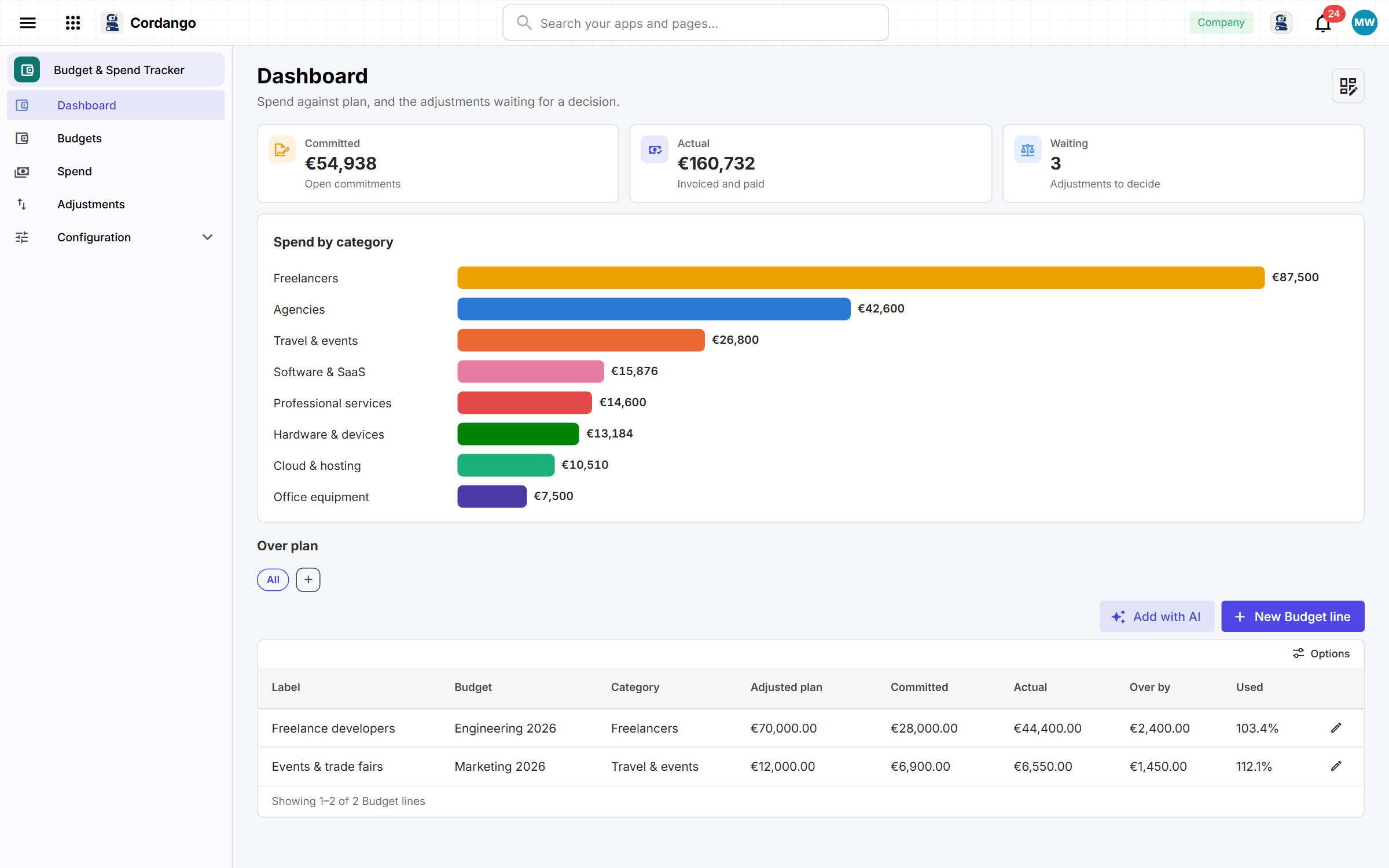
A department head shouldn’t learn at quarter end that the budget is gone. They hear on a Monday instead, because committed money counts before it’s spent.
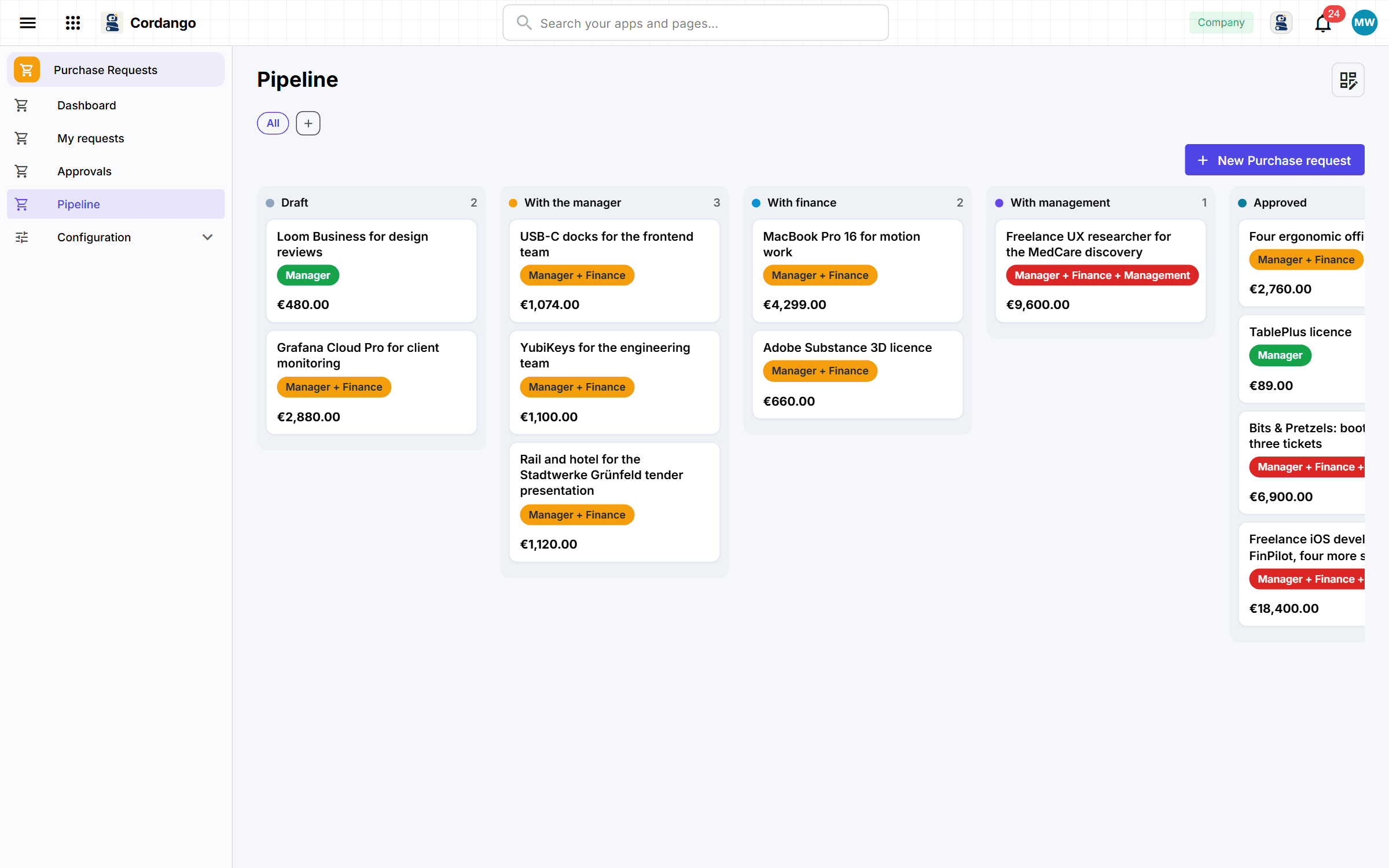
A short form for anybody who needs to buy something, and the amount decides who agrees. A new chair stops at the manager, a new server goes all the way up.
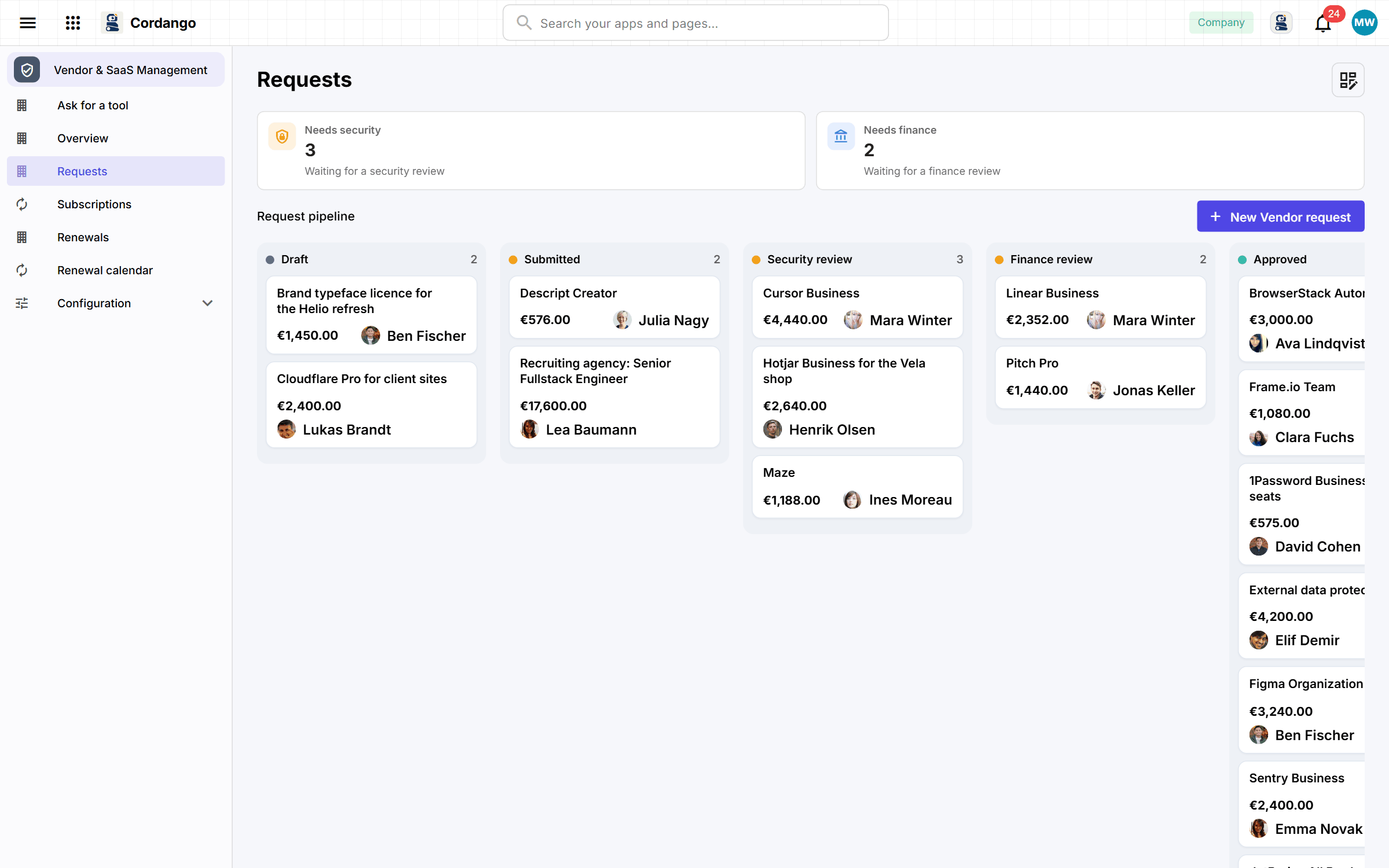
IT usually hears about a new SaaS tool when the invoice arrives. Here the request passes a security review first, and every renewal comes with a warning.
Every app here installs on its own and works on its own. Adding a companion is what makes both do more.