Asset Register
It’s somebody’s last day and IT needs to know which laptop and phone to collect. The register says who holds what and when each thing is due for replacement.
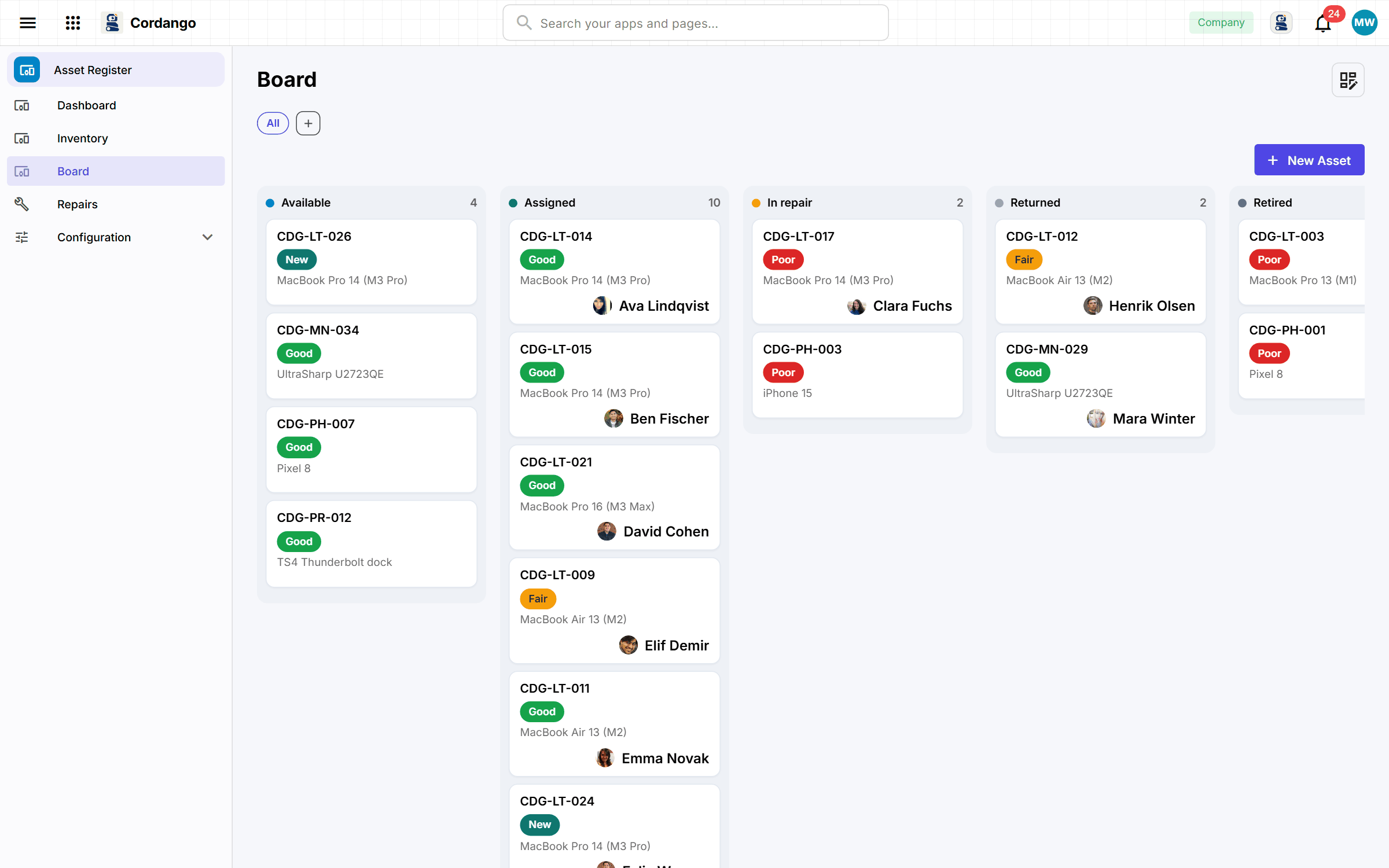
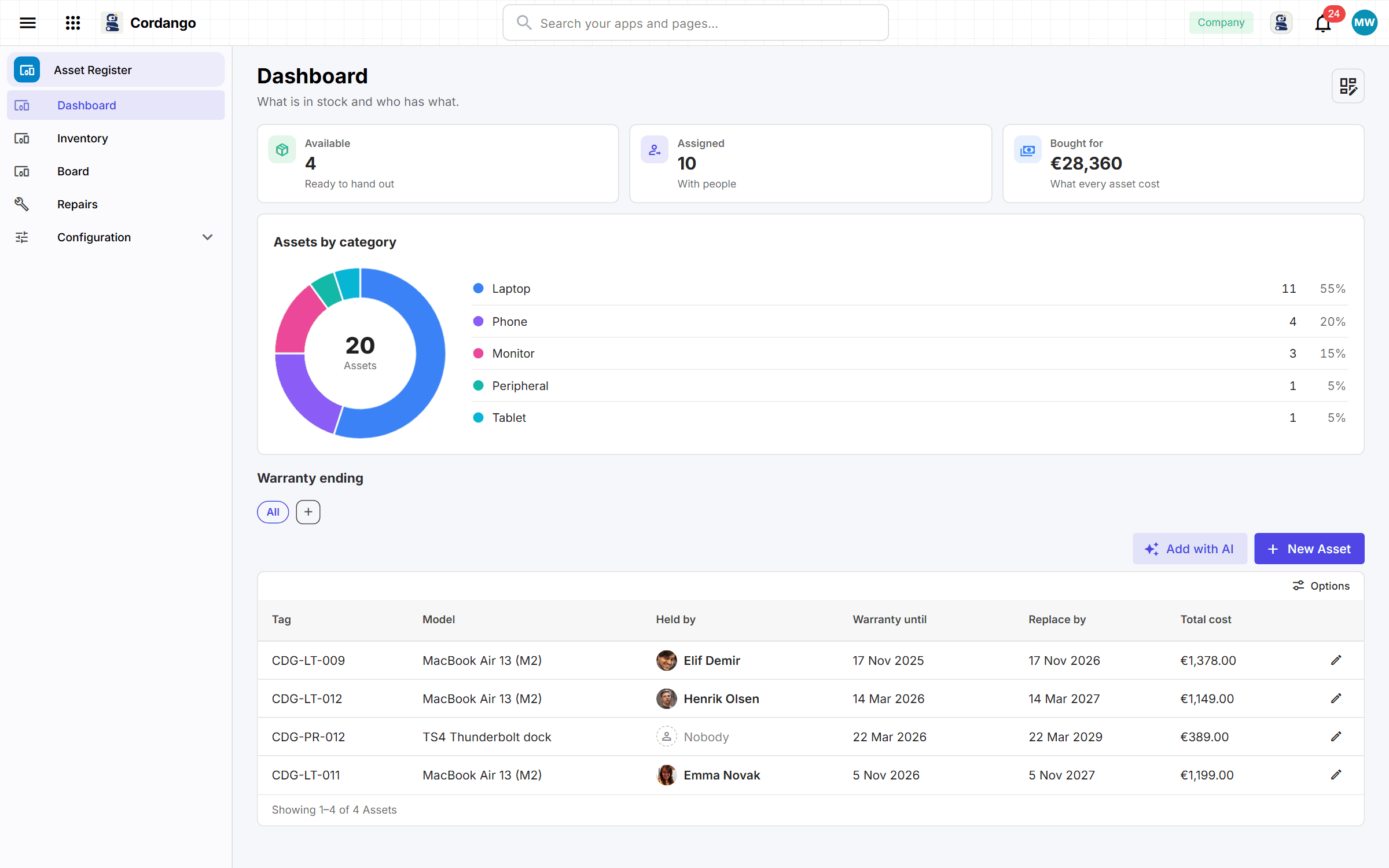
Each laptop, phone or monitor has a model, a location and the person holding it now, along with everyone who held it before. Repairs are logged against the asset with their cost, and the repair-or-replace conversation starts from that number. The IT owner gets a warning before a warranty runs out or a replacement falls due, and a repair nobody has closed gets chased. With Purchase Requests installed, hardware somebody bought arrives on the register by itself.
What it does
- Every asset, its model and where it lives
- Who holds what now, and everyone who held it before
- Repairs and their cost, rolled up onto the asset they belong to
- The custodian hears before a warranty ends or a replacement falls due
- An asset shows up in the calendar of the person holding it
What's included
Records
- Asset
- Assignment
- Repair
- Model
- Location
Workflows
Asset: Available · Assigned · In repair · Returned · Retired
Assignment: Open · Closed
Repair: Open · Closed
Roles
- IT admin
- Technician
- Employee
- Finance viewer
5 pages · 4 views
How it connects
Every app here installs on its own and works on its own. Adding a companion is what makes both do more.
Works with
What it does for you
- Put hardware on the register when it is bought · Purchase Requests
- Whoever registers a thing looks after it until somebody else does
- Warn before a warranty runs out
- Warn before something is due for replacement
- Chase a repair nobody has closed
Screenshots