Room Booking
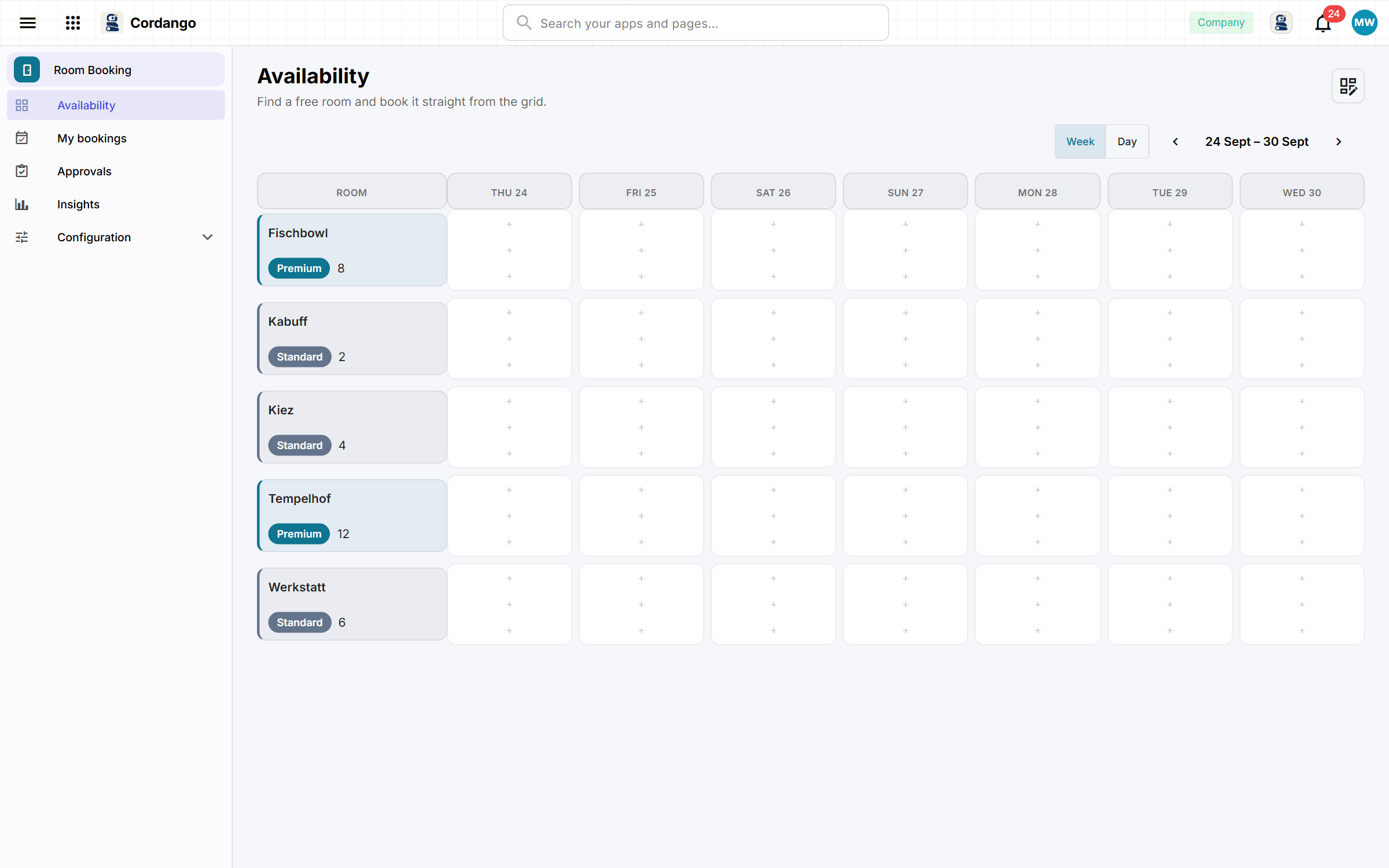
Anyone hunting for a room for Thursday afternoon sees the week’s free slots on one grid and books from there. Office managers decide which rooms need approval.
Add Room Booking to your workspace
It installs from the App Library inside Cordango and starts working with what you already have.
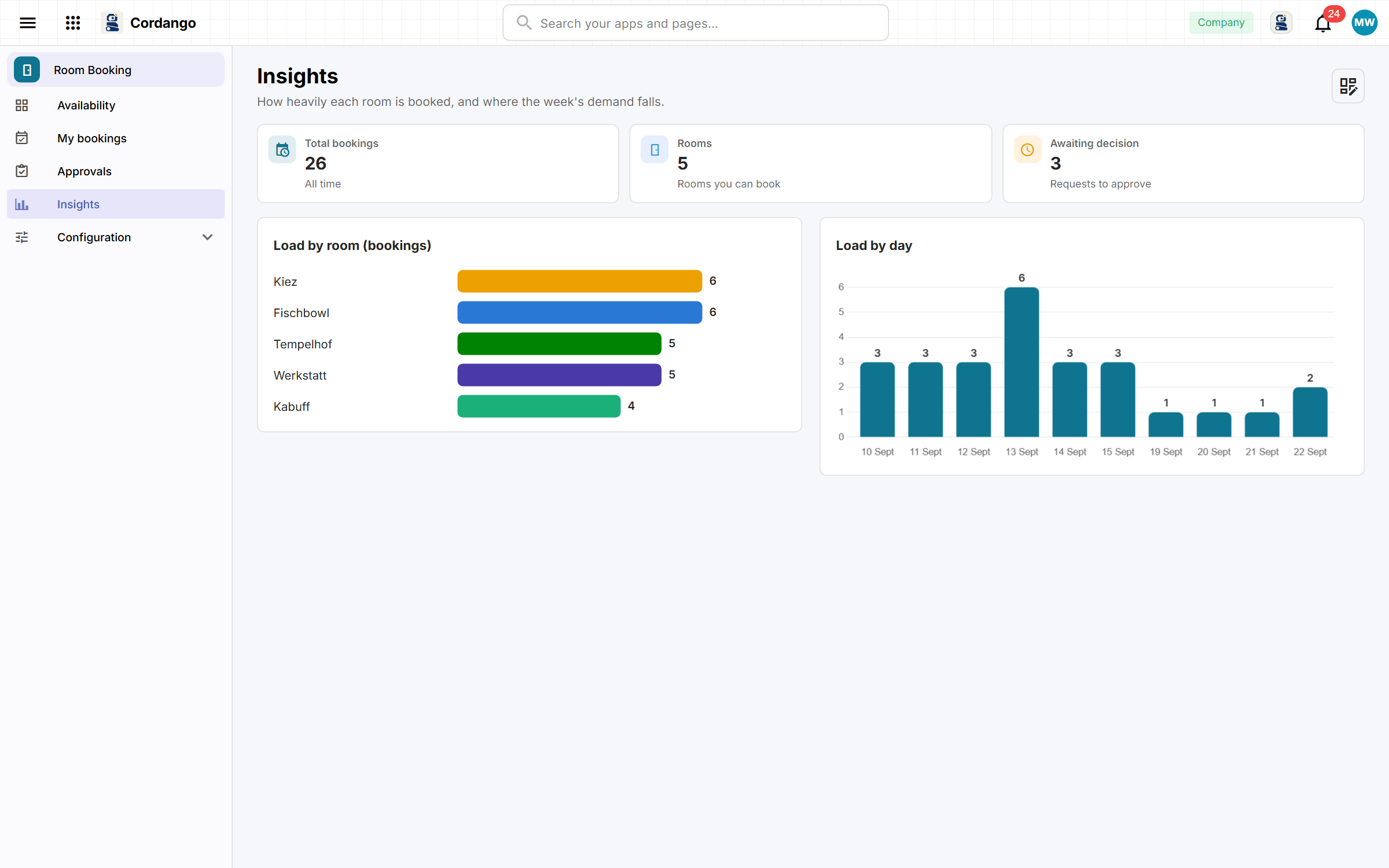
In a lot of offices the rooms live in a shared calendar nobody looks after, and the booking gets settled in the doorway. The office manager sets up each room with its capacity and equipment. Everyone else takes a free morning, afternoon or evening from the weekly grid and adds the colleagues who are coming. Standard rooms are confirmed straight away, and premium ones wait for a manager to approve them. The insights show which rooms and which days are busiest.
What it does
- What is free and when, before you have committed to anything
- Take a slot from the grid, with the room and the time already filled in
- Who is coming, as real people from your company directory
- Rooms that need a manager get one, and the rest do not wait for it
- The rooms themselves, with capacity and the policy that governs them
- Which rooms are actually used, and which are booked and empty
What's included
Records
- Room
- Booking
- Attendee
- Booking Policy
Workflows
Booking: Pending · Approved · Declined
Roles
- Employee
- Manager
- Administrator
5 pages · 3 views
Screenshots