PEOPLE
PTO & Absence
Absence requests and approvals on the people you already have. Available as a ready-to-use Cordango capability.
Absence requests and approvals on the people you already have. Available as a ready-to-use Cordango capability.
PTO does not keep its own staff list. It attaches to the People records that Projects, Recruiting and everything else already use, so a new joiner can request leave the day their record exists and a leaver stops appearing the day theirs is closed.
Approval routing follows the reporting lines already in the platform. Nobody maintains a second manager mapping, and when somebody changes team the routing changes with them.
An employee picks a type and a date range from their own record. No separate login, no form that emails a mailbox.
It routes on the real reporting line. The decision and its timestamp land on the record.
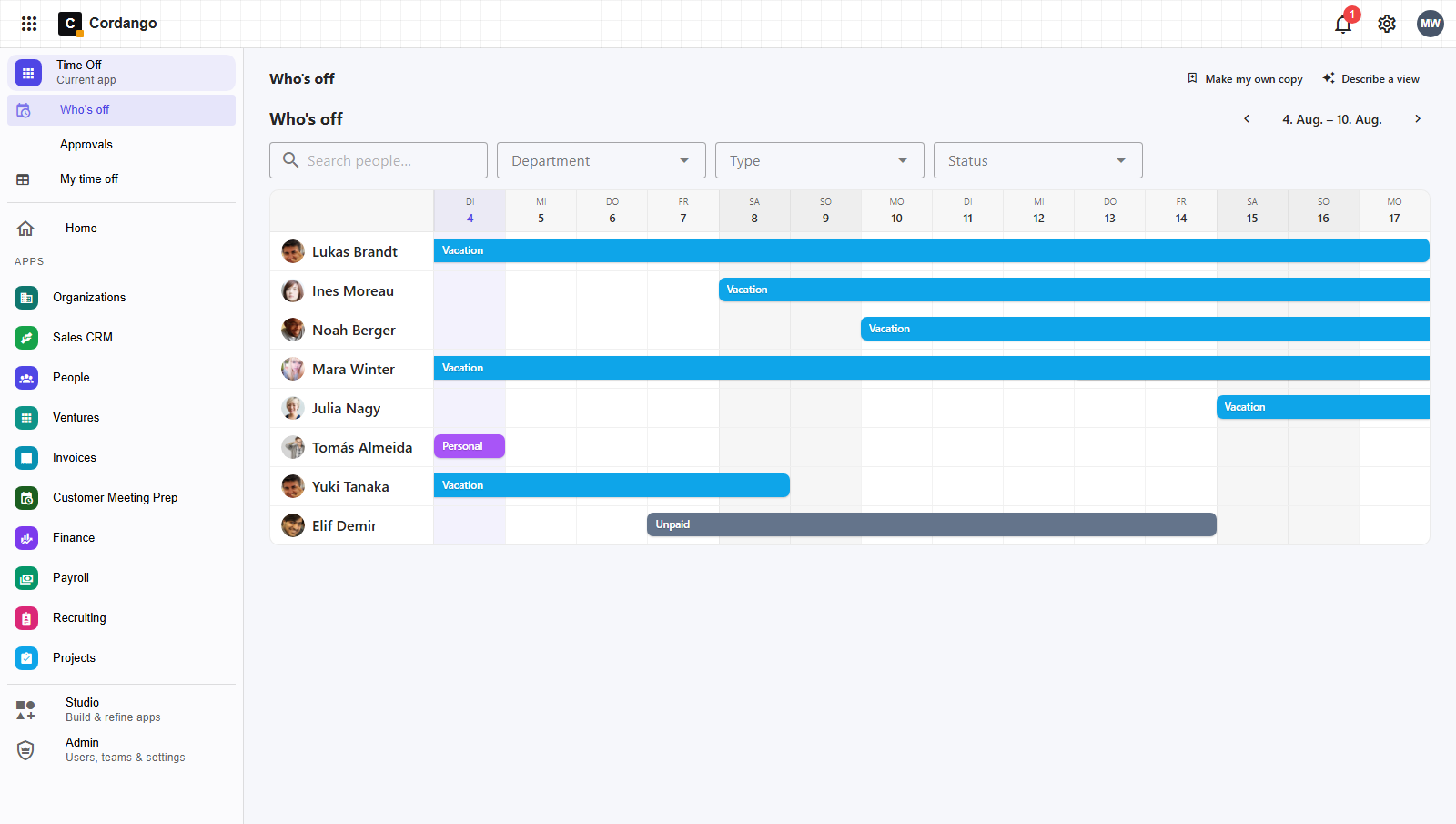
Everyone with reach sees who is out, without anyone maintaining a shared spreadsheet.
The same absence shows up as unavailability where work is being planned, because it is the same person record.
Nothing in a capability is fixed. These are just the parts companies change most often.
Holiday, unpaid, parental, training, time off in lieu. Define the ones your company actually uses and drop the rest.
One approver, two, or a different route above a certain length. Set it to match how decisions really get made.
If your process has a provisional step before confirmation, add it. The states are yours.
An employee sees their own requests, a manager sees the team, HR sees the whole picture.
PTO does not keep its own employee list. Requests, approvals and absence types attach to the People records that Projects and Recruiting already use.