Timesheets
Agency and consulting teams fill in the week on one grid, against the projects already in the Projects app, and the lead sees billable hours per project.
Add Timesheets to your workspace
It installs from the App Library inside Cordango and starts working with what you already have.
Installing this also installs Projects.
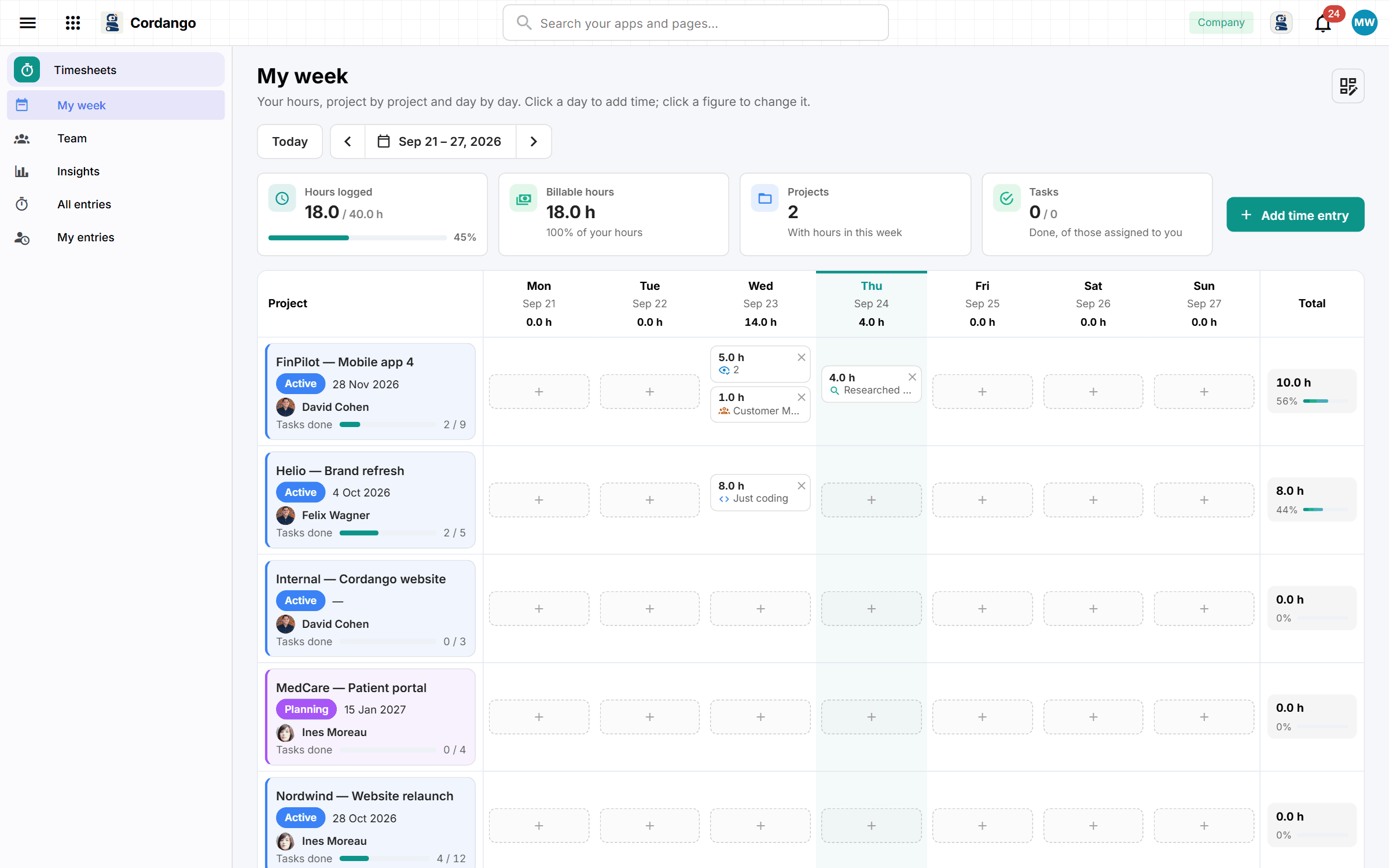
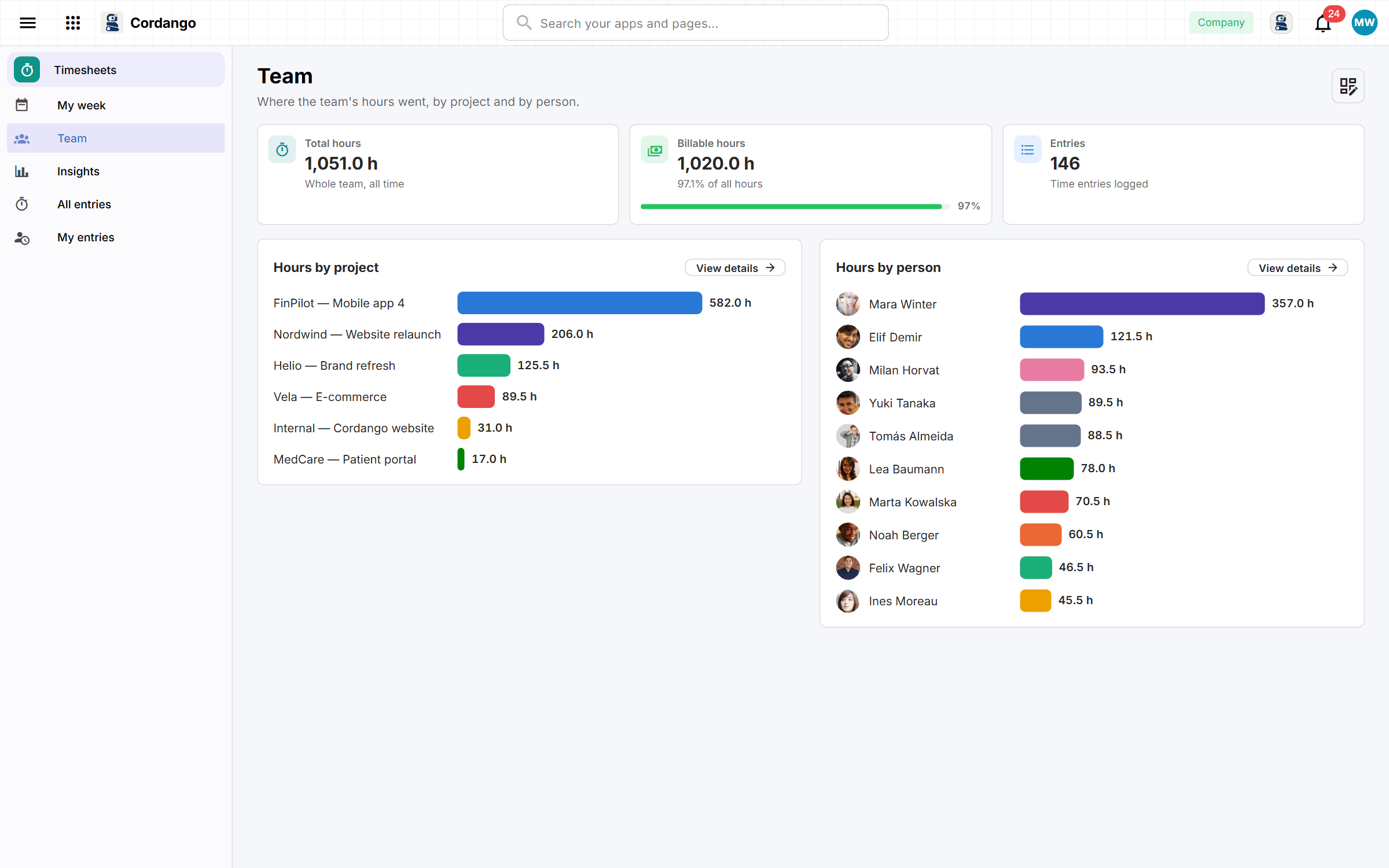
Most people fill in their hours on Friday afternoon from memory, so it should at least be quick. The week is one grid, with several entries a day if the work was split, each with an activity and a billable flag. A lead sees the team’s hours by project and by person, and how many of them were billable. Projects come from the Projects app, which installs alongside, and there is only ever one project list. It’s the time tracking you’d use Harvest for, without the invoicing.
What it does
- A week at a time on one grid, not a form per day
- Each entry against the project it belongs to, with a note if it needs one
- A lead sees the team’s week, not twelve separate timesheets
- Where the hours actually went, by project and by person
What's included
Records
- Time entry
Roles
- Member
- Lead
- Administrator
5 pages · 2 views
How it connects
Every app here installs on its own and works on its own. Adding a companion is what makes both do more.
Uses your company core
Screenshots