PTO & Leave
Holiday balances count down from approved leave, so the manager approving a request never has to ask HR how many days somebody has left.
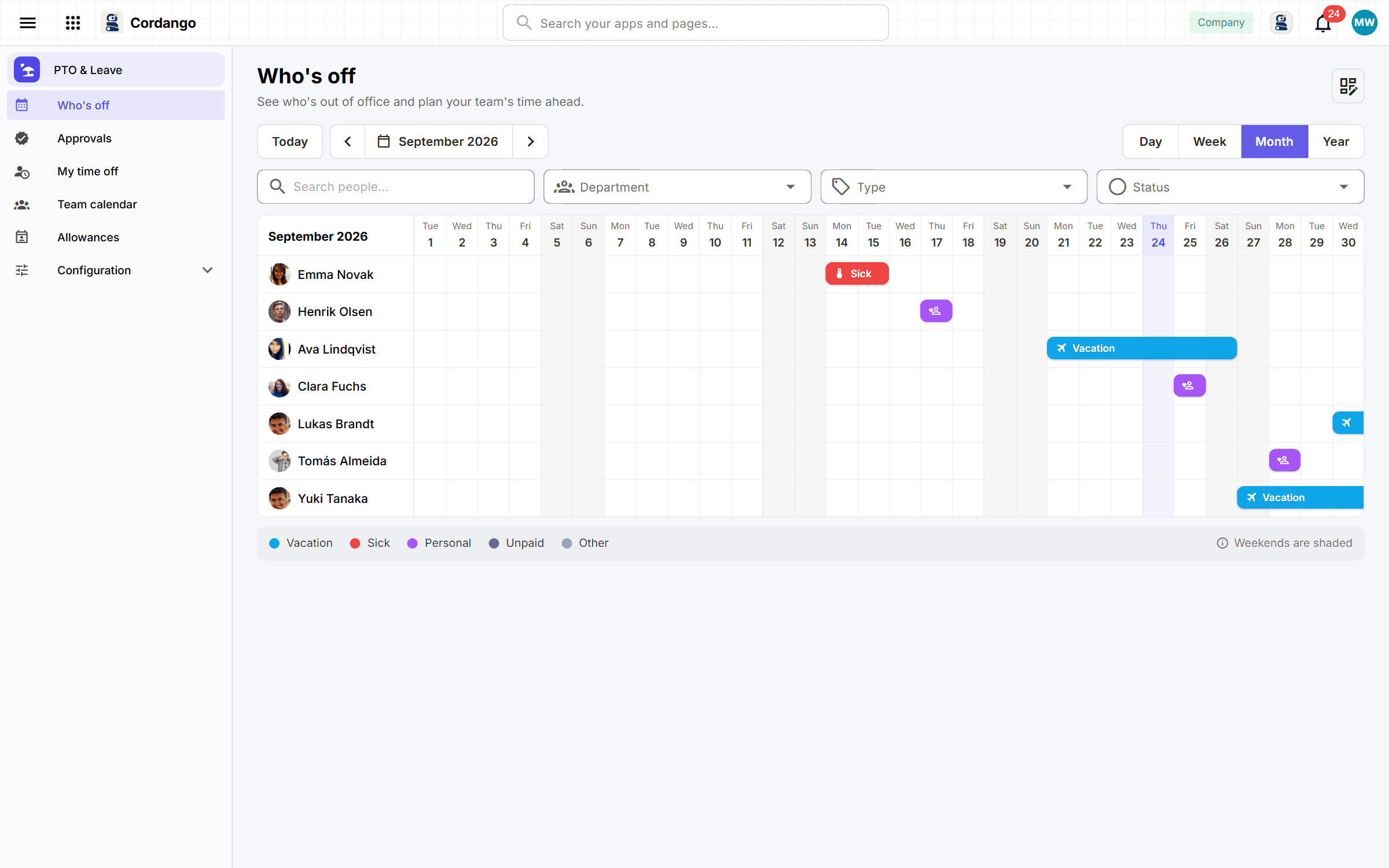
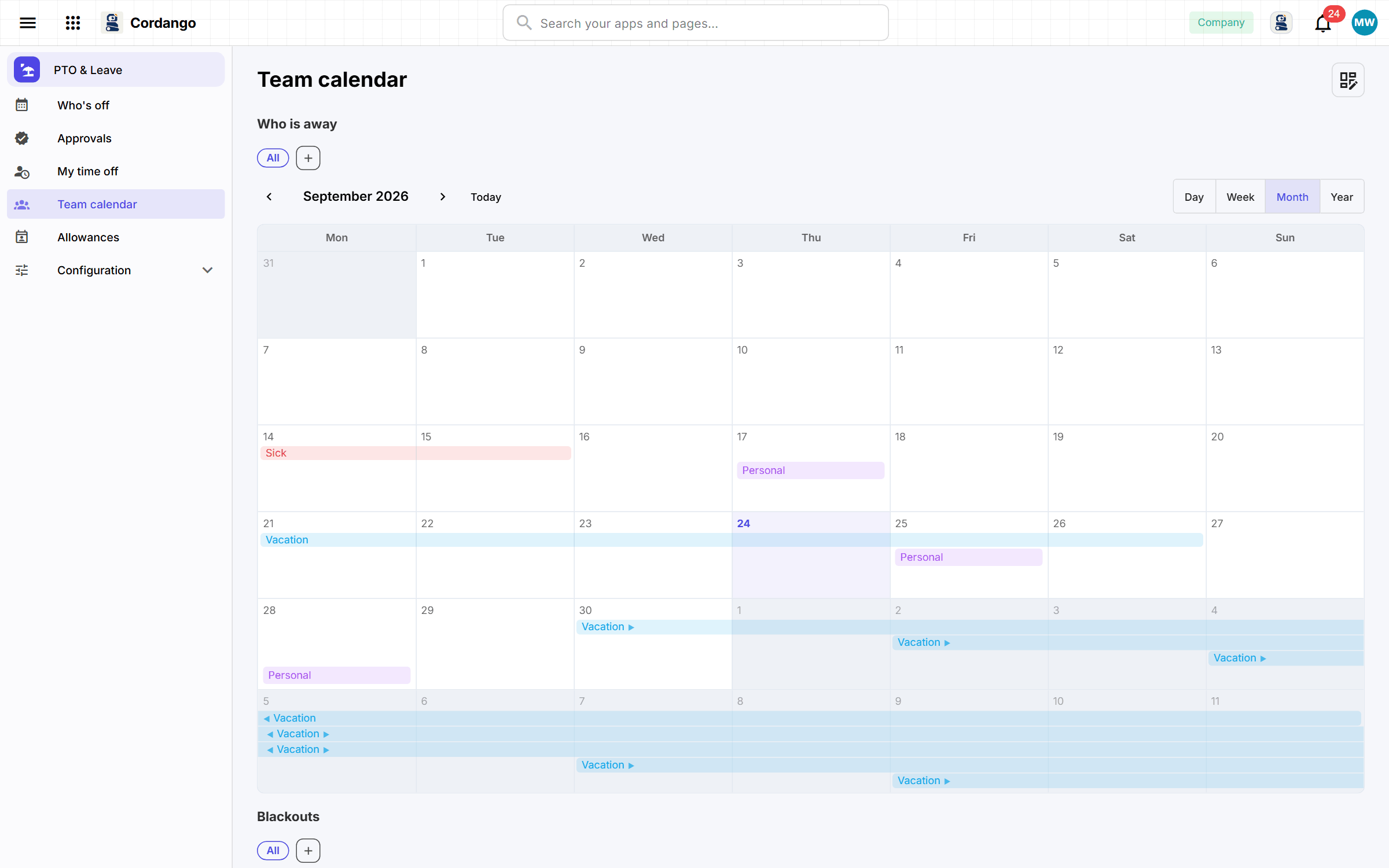
Asking for time off takes four fields, and the request goes straight to the approver named by the reporting line, who is told it has arrived. Balances count down from what has actually been approved, unused days carry into next year up to the cap you set, and people hear when their holiday is nearly gone. Blackout periods and public holidays are visible while the decision is made. Approved leave goes into the shared calendar, where the team can see who’s away without anybody sending an email.
What it does
- Four things to fill in, and the approver already known from the reporting line
- Leave forms HR designs, and what they file goes straight to the approver
- The year’s allowance, counted down from approved absences, never typed
- Approved leave appears in the shared calendar the whole company reads
- Blackout periods and public holidays, visible where the decision is made
- Unused days carry into next year, up to the cap you set
What's included
Records
- Time off
- Allowance
- Blackout
- Public holiday
- Leave form
- Question
- Submission
- Answer
Workflows
Time off: Draft · Pending · Approved · Declined · Cancelled
Roles
- Employee
- Manager
- HR
- Administrator
6 pages · 5 views
How it connects
Every app here installs on its own and works on its own. Adding a companion is what makes both do more.
Uses your company core
What it does for you
- A request belongs to whoever made it
- A request knows who decides it, which team it belongs to, and what it counts against
- A request filed from a form was submitted when the form was
- Tell the approver when a pending request lands with them
- Monday list for approvers
- Tell somebody when their holiday is nearly gone
- Open next year's allowance when this one ends
Screenshots