Showcase
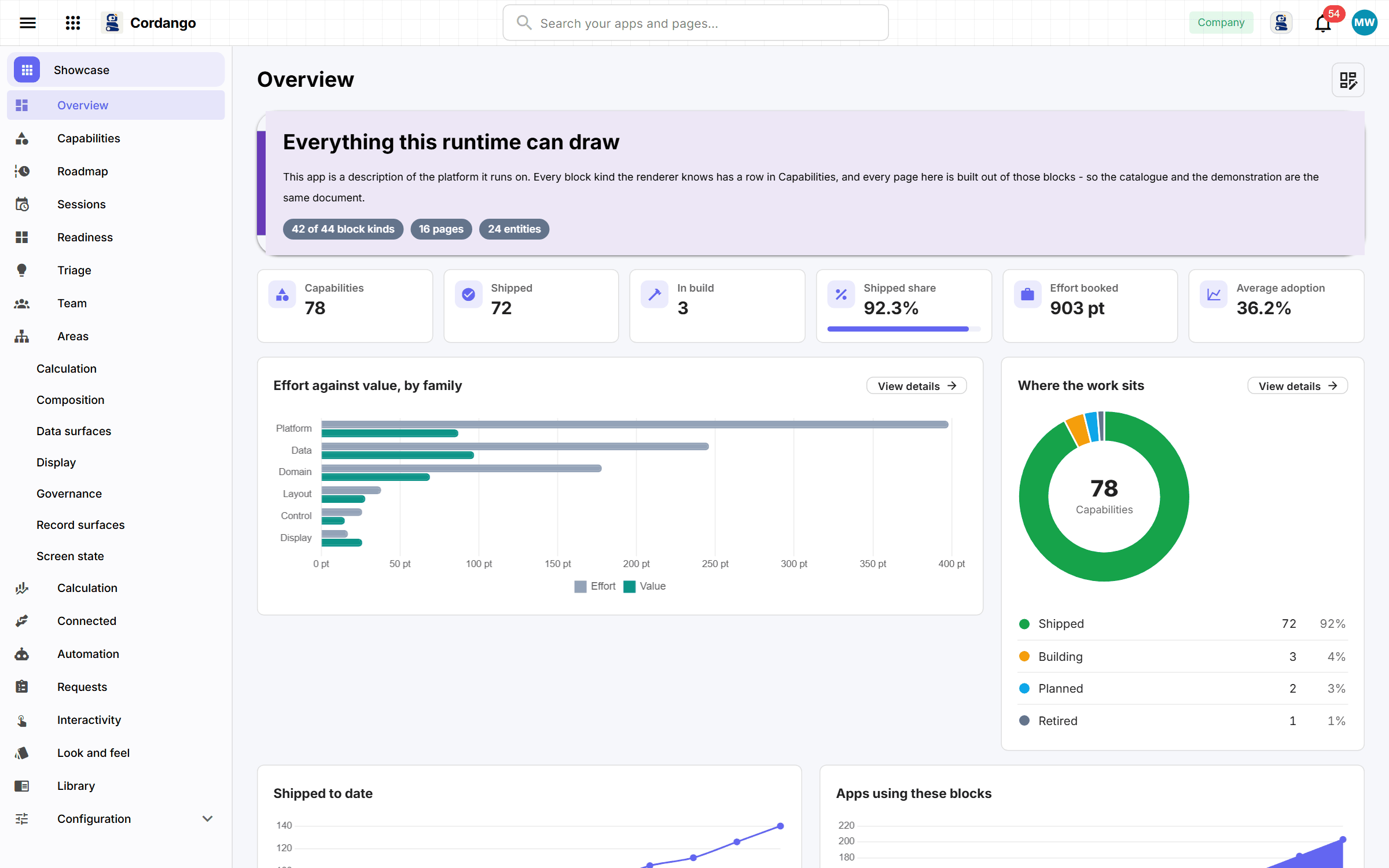
Install this before you build your own app. It draws every kind of block a page can hold over real records, so you can see what an app here can look like.
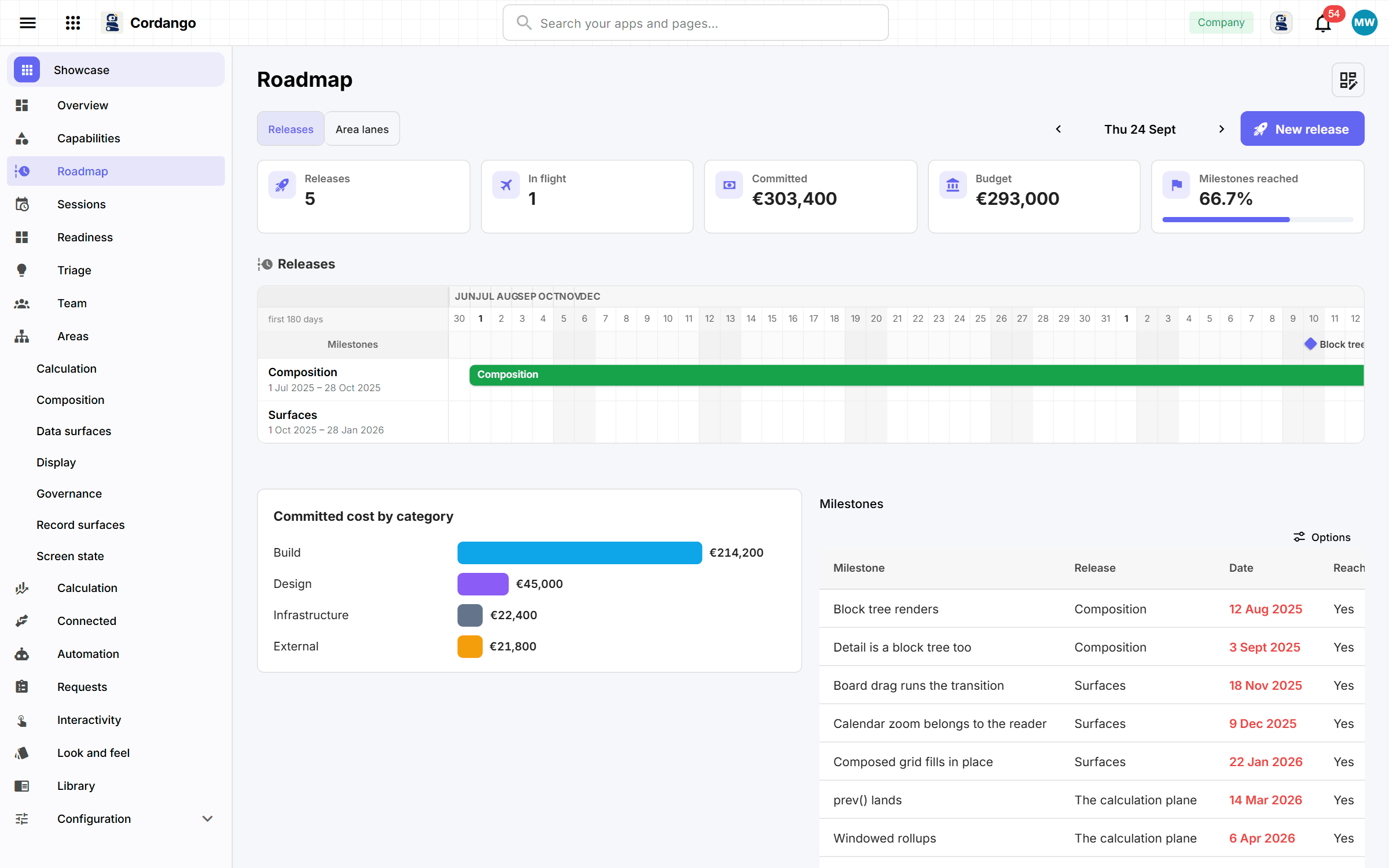
Useful if you’re deciding whether Cordango can carry your process, or about to describe an app and want to know what to ask for. It’s a working app about the platform itself: each capability is a record, and every kind of block you can author appears on one of its pages with real data behind it. The Gantt bars drag, and a cell in the readiness matrix becomes a record when you fill it in. Sample data comes preticked, because an empty showcase shows nothing.
What it does
- Every capability as a record, nested by family, moved through a real lifecycle
- Bar, line, area, pie and donut charts, multi-series comparisons and KPI tiles that link through
- A Gantt with milestone diamonds you can drag, and a lane per area on a timeline
- A readiness matrix whose cells are records created the moment somebody fills one in
- One detail page with a process stepper, seven shapes of child list, its own documentation and its full history
- A public form somebody can file through without the right to create anything
- Seven product areas, each its own entry in the sidebar opening its own workspace
What's included
Records
- Product area
- Capability
- Check
- Note
- Review entry
- Mention
- Attendee
- Daily check
- Adopter
- Release note
- Release
- Milestone
- Cost line
- Persona
- Readiness
- Session
- Contributor
- Adoption month
- Request form
- Question
- Submission
- Answer
- Suggestion
- Showcase settings
Workflows
Capability: Idea · Planned · Building · Shipped · Retired
Suggestion: New · Accepted · Declined · Merged in
Roles
- Curator
- Builder
- Visitor
16 pages · 1 views
How it connects
Every app here installs on its own and works on its own. Adding a companion is what makes both do more.
What it does for you
- Stamp the start date when building begins
- Stamp when a note was posted
- Stamp when a review entry was posted
- Date a suggestion when it arrives
- Draft a note per capability when a release ships
- Tell the owner when their capability ships
- Note a company arriving in the workspace · Organizations
Screenshots