Payroll
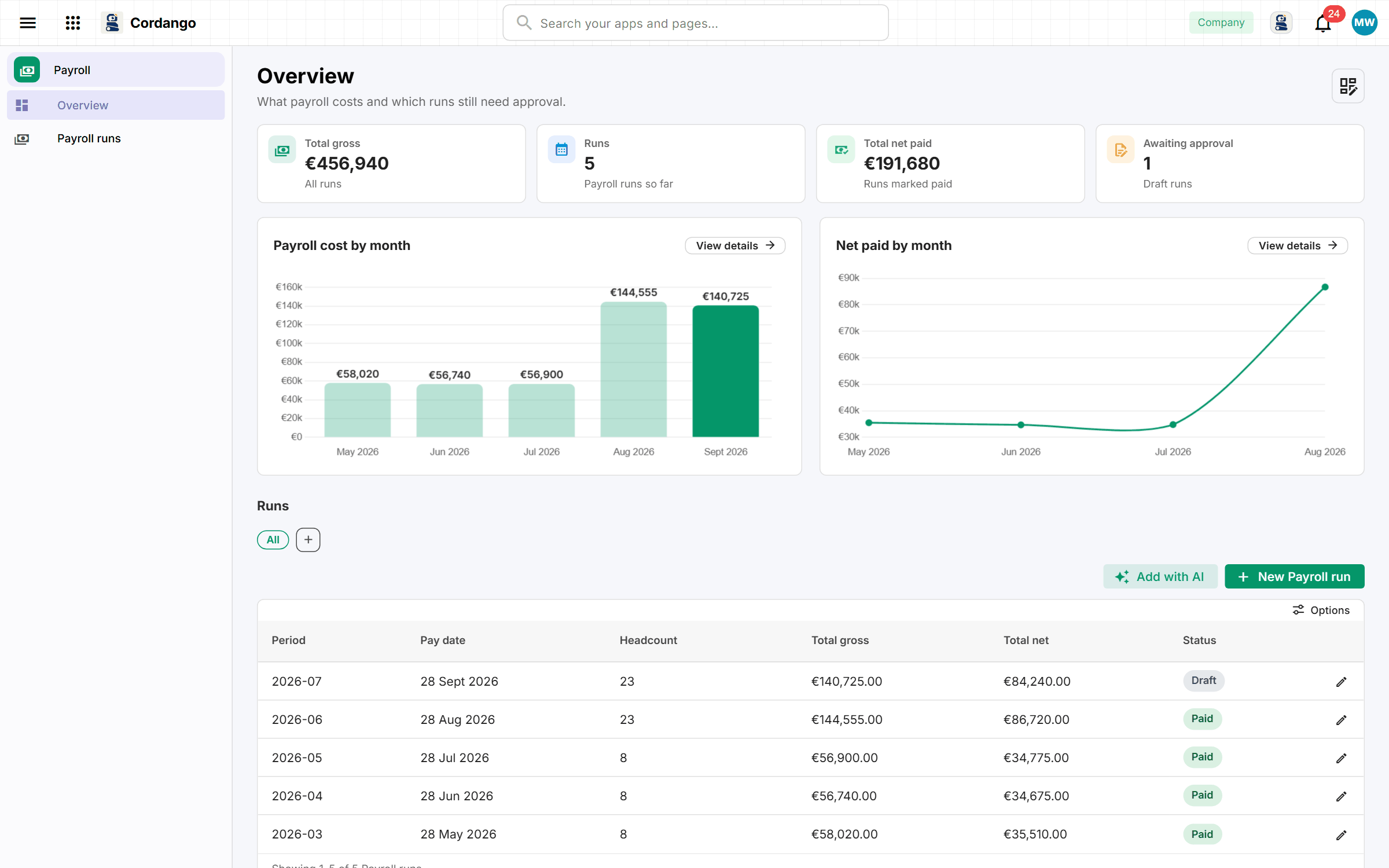
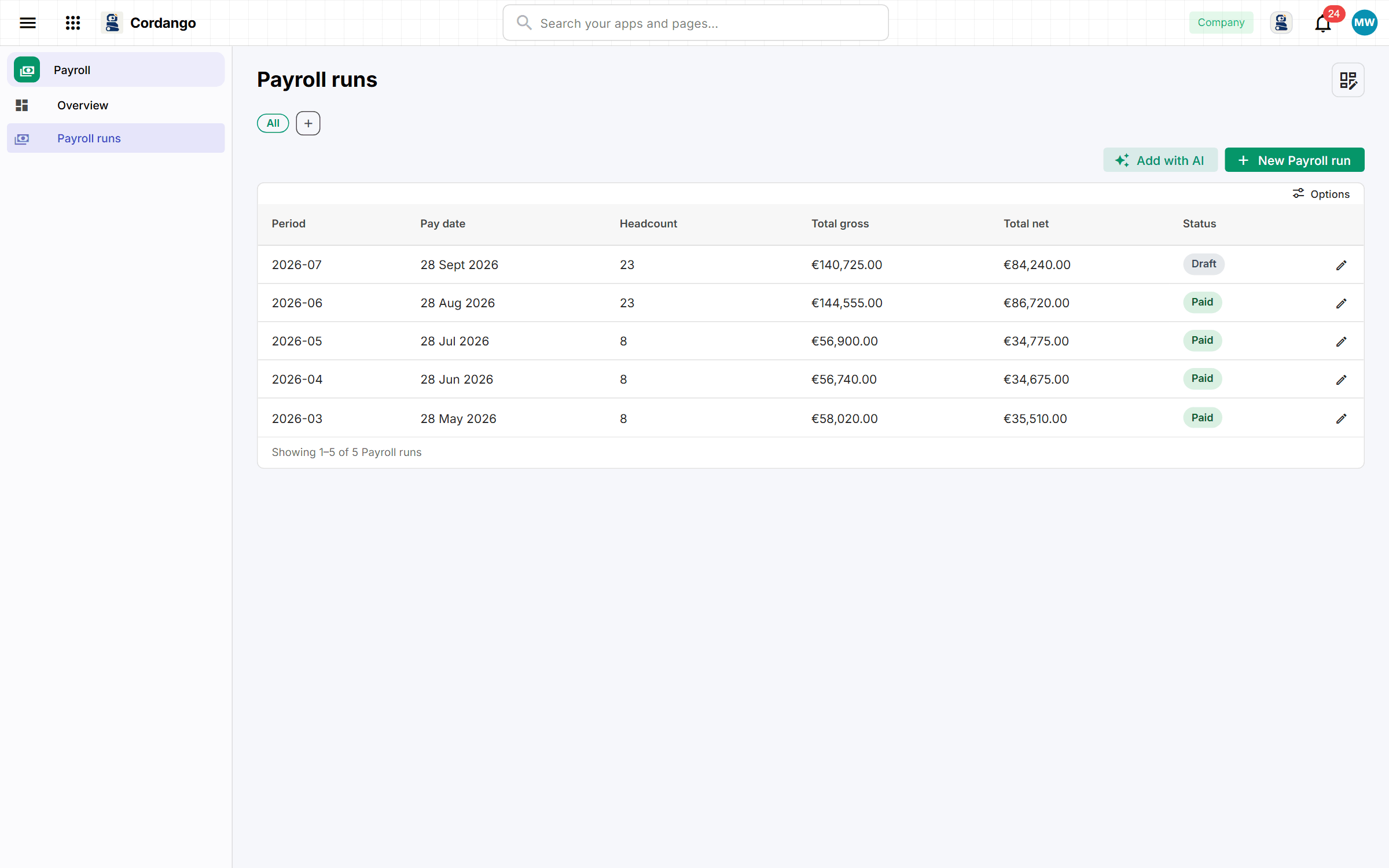
You prepare payroll for forty people from a spreadsheet and a folder of PDFs. Each month becomes one run with a payslip per person, approved before it’s paid.
Add Payroll to your workspace
It installs from the App Library inside Cordango and starts working with what you already have.
Each person has a salary profile with monthly pay, allowance, tax class and bank details, kept apart from the runs that use it. A month’s run holds a payslip per person: you enter the tax and deductions, gross and net add up from there, and the run totals itself. Nothing is paid from a draft, because a run is approved first and marked paid after. When somebody asks next year what was paid in March, the run is still there to answer.
What it does
- A salary profile per person, kept apart from the runs that use it
- One run per month, drafted, approved and then marked paid
- A payslip per person per run, gross to net
- Nothing is paid from a draft, so an unapproved run cannot be mistaken for one
- The run stays after the month, which is what makes last March answerable
What's included
Records
- Salary profile
- Payroll run
- Payslip
Workflows
Payroll run: Draft · Approved · Paid
Roles
- Payroll admin
- Viewer
- Administrator
2 pages · 1 views
Screenshots